I initially used carbon.now.sh, but they don't have an API, and the community-provided API is pretty slow because it uses a headless browser to generate the image. Source Code Shots uses VSCode's syntax-highlighting engine, so the highlighting is about as good as you can get and I can fully support a lot of languages that CodeMirror or Highlight.js haven't gotten to. The docs, https://sourcecodeshots.com/docs, have plenty of examples of how to use it as an API. You can email me at daniel@onegraph.com if there's something you need that it doesn't support.
This is pretty cool but I notice the default R fibonacci code is like comically non-idiomatic (or poorly linted, even).
Since I suspect the cause here is copy-pasting off of an algorithms/code gallery, my guess is that there are examples across other languages. I checked everything I feel idiomatically comfortable enough and the others all seemed fine, but there are a lot of options here so who knows.
There are lots of different approaches you could take. For sourcecodeshots, I run it through VSCode's tokenizer (https://github.com/microsoft/vscode-textmate) and then use node-canvas to generate the image one line at a time.
It's a very imperative process and fairly slow on a cpu, but the nice thing is that I can run the same code in the browser to speed up development. The Rust project, https://github.com/Aloxaf/silicon, mentioned in another part of the comments is probably faster, but I didn't find it when I was searching for a solution.
It's supposed to resemble a mac app window. I can add a setting to remove it if you like. Email me at daniel@onegraph.com and I'll let you know when it's available.
Carbon is awesome, works offline, and can be integrated with any decent editor, so you can just select code and press a keybind to get the image on your clipboard.
I like Carbon, the option of creating new themes and saving snippets. Is the project still alive? I got a message from Open Collective [0] saying they stopped accepting donations.
Not trying to be argumentative but this is completely over my head and I do not understand the purpose.
Is there some way to get a CSS snippet out for publishing in a blog/article/presentation or is it only images? edit: is this purely to add a rounded border/pad that you wouldn't get with WND+SHIFT+S / CMD+SHIFT+4 for sharing on sites where you don't control the style?
I'd love this if it was a CSS thing like when people embed Twits. I'm just not sure when you would want an image of code. Most likely use case seems like a README on github or your product page but then you'd want it to be plain text right?
I created a Github Action to generate images for code, within github issues. The benefits:
- Easy to view and understand the image of the code v/s the code block text when using a mobile device. Why? Easier to scroll images v/s text. - Members will no longer have to rely on the issue reporters and commenters to format their code blocks correctly. Using the in built formatter, the code is always structured properly - Maintainers can style the code blocks to suit their project's language and guidelines and not put the onus of this on the issue reporter / commenter This uses carbon (https://github.com/carbon-app/carbon) The Github Action in question: https://github.com/callmekatootie/carbonate
I have to say this feels rather strange next to the functionality of my PrintScreen key.
Maybe I'm missing the point. I get that it's easier to look at than pastebin, but I'm struggling to grasp what else. I've always agreed that LOC is a terrible measurement, and similarly I don't delude myself into thinking positioned or colored code is more functional.
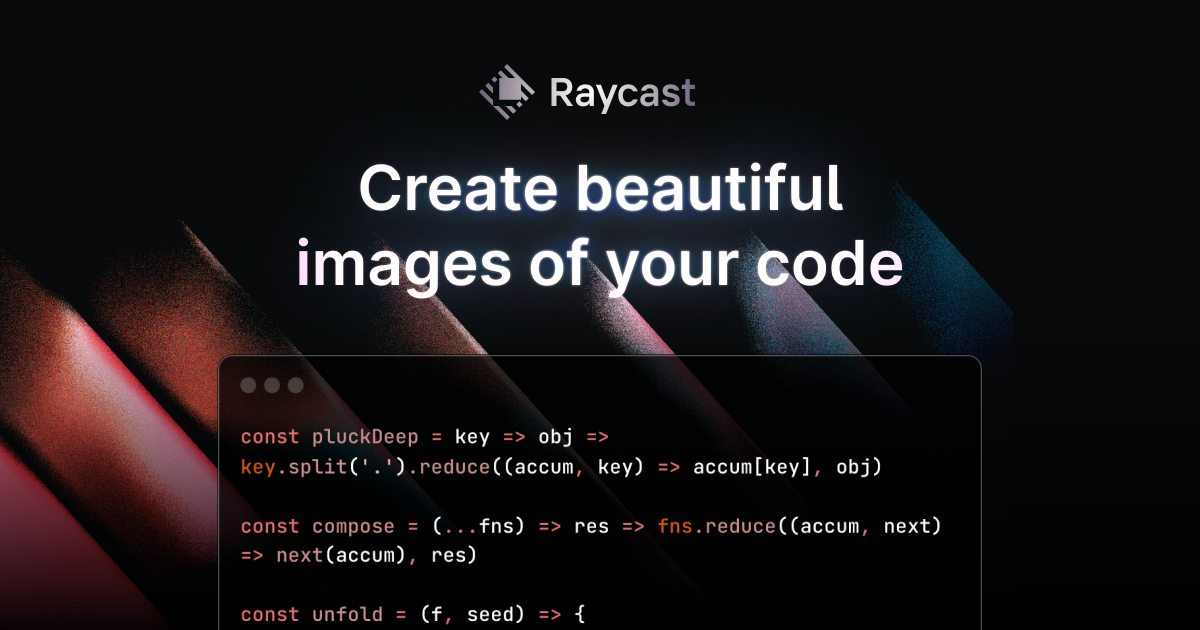
The use cases that come to mind are sharing previews of code snippets on platforms that don't support code formatting/highlighting like Twitter or Medium.
The cleaner fake UI of this site, uncluttered by any warning or other editor glyphs, and the auto-resize make it slightly more convenient than an editor screenshot I suppose.
> The use cases that come to mind are sharing previews of code snippets on platforms that don't support code formatting/highlighting like Twitter or Medium
One use case I can think of is creating a series of previews with consistent styling, regardless of current editor/terminal configuration/font rendering settings.
Comments (123) 33 threads
I initially used carbon.now.sh, but they don't have an API, and the community-provided API is pretty slow because it uses a headless browser to generate the image.
Source Code Shots uses VSCode's syntax-highlighting engine, so the highlighting is about as good as you can get and I can fully support a lot of languages that CodeMirror or Highlight.js haven't gotten to.
The docs, https://sourcecodeshots.com/docs, have plenty of examples of how to use it as an API. You can email me at daniel@onegraph.com if there's something you need that it doesn't support.
Since I suspect the cause here is copy-pasting off of an algorithms/code gallery, my guess is that there are examples across other languages. I checked everything I feel idiomatically comfortable enough and the others all seemed fine, but there are a lot of options here so who knows.
For the languages I don't know, I looked at the code people posted on rosettacode.org
It's a very imperative process and fairly slow on a cpu, but the nice thing is that I can run the same code in the browser to speed up development. The Rust project, https://github.com/Aloxaf/silicon, mentioned in another part of the comments is probably faster, but I didn't find it when I was searching for a solution.
Continue this thread — 1 reply
[0] https://opencollective.com/carbon-app
Is there some way to get a CSS snippet out for publishing in a blog/article/presentation or is it only images?
edit: is this purely to add a rounded border/pad that you wouldn't get with WND+SHIFT+S / CMD+SHIFT+4 for sharing on sites where you don't control the style?
- Easy to view and understand the image of the code v/s the code block text when using a mobile device. Why? Easier to scroll images v/s text.
- Members will no longer have to rely on the issue reporters and commenters to format their code blocks correctly. Using the in built formatter, the code is always structured properly
- Maintainers can style the code blocks to suit their project's language and guidelines and not put the onus of this on the issue reporter / commenter
This uses carbon (https://github.com/carbon-app/carbon)
The Github Action in question: https://github.com/callmekatootie/carbonate
Maybe I'm missing the point. I get that it's easier to look at than pastebin, but I'm struggling to grasp what else. I've always agreed that LOC is a terrible measurement, and similarly I don't delude myself into thinking positioned or colored code is more functional.
The cleaner fake UI of this site, uncluttered by any warning or other editor glyphs, and the auto-resize make it slightly more convenient than an editor screenshot I suppose.
But still...why not print screen?
All comments shown.
Couldn't load more comments. Check your connection and try again.