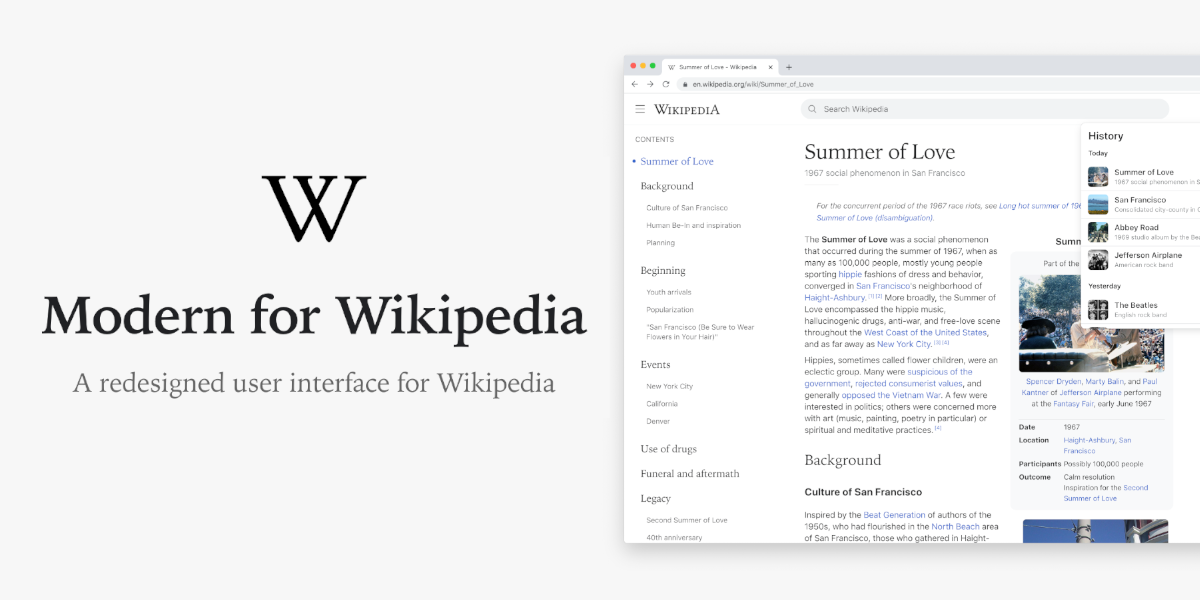
I don't know why but since at least a year we have a new design on the french version of wikipedia (you can check by yourself on any wikipedia page in french). But the english UI is bad it's hard to read on large screen. With your extension is really nice.
Another reminder that you can get the "mobile" version for Wikipedia on desktop. Just add ”?useskin=minerva" (sans double quotes) to the end of the URL. Since my browser can't have extensions, I did a dirty userscript for doing that with JavaScript.
Conversely, the old desktop skin has been updated to work well on mobile. I really like how they carried the "pixel art" icon aesthetic over to retina displays. (When you zoom in, you'll see that they're actually vectors with smooth gradients.) And when you turn your phone to landscape, the familiar desktop interface comes back.
Comments (409) 120 threads
Earlier commentsI don't know why but since at least a year we have a new design on the french version of wikipedia (you can check by yourself on any wikipedia page in french).
But the english UI is bad it's hard to read on large screen. With your extension is really nice.
edit: I do need to uncheck the "Use Legacy Vector" to have the new design. I don't know why, maybe it was a cache issue but now it works.
https://en.wikipedia.org/wiki/Main_Page?useskin=monobook
All comments shown.
Couldn't load more comments. Check your connection and try again.