Show HN: Heynote – A dedicated scratchpad for developers (opens in a new tab)heynote.com
1063 pointsHey!
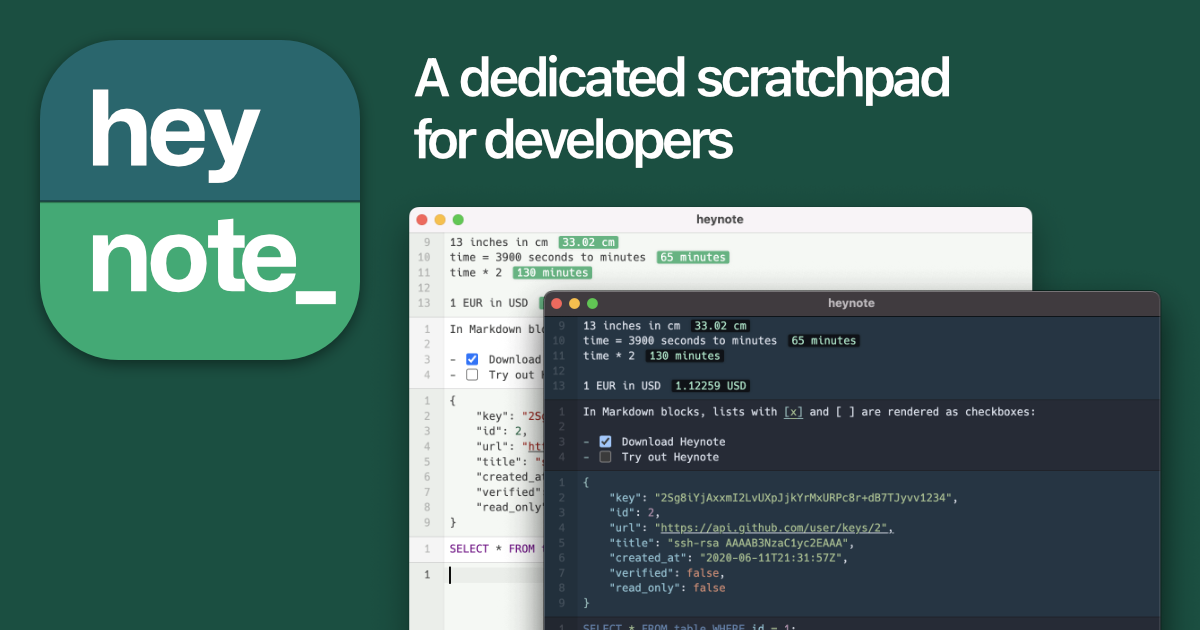
I made Heynote entirely for my own use case. For many years, I always had an Emacs instance running with the scratch buffer open, even long after I had abandoned Emacs as my programming editor in favor of more recent IDE:s.
The simplicity of having just one big scratch buffer appeals to me, but I still want to separate the different things I jot down somehow (without using tabs or similar). Previously, my solution was to insert a bunch of blank lines between the notes, but hitting C-A would still select the entire buffer. That's why I came up with the concept of "blocks", which turned out really well for my use cases.
I decided to release Heynote, thinking it might be useful to others.
Comments (303) 149 threads
Earlier commentsI see you have a "blocks" concept which seems roughly equivalent to a top level foldable bullet in org mode. Are blocks nestable? Otherwise what is the recommended way to organize a multi-block set of notes? Typical example for me might be tackling a larger problem/feature (top level block) and then having sub blocks/bullets for each part of the problem which are also foldable. I usually don't go more than a few levels deep but could get by with just 2 if need be.
Where are the currency conversion ratios pulled from? I guess that requires 'net access?
Possible to add a right-click menu (say to collapse blocks and so forth)?
There seems to only be one fold point for a given block? (The markdown one for instance) --- it would be nice if the first and second line were always possible collapse/folding points.
Perhaps menu commands for collapse all/show all?
All comments shown.
Couldn't load more comments. Check your connection and try again.