Show HN: Heynote – A dedicated scratchpad for developers (opens in a new tab)heynote.com
1063 pointsHey!
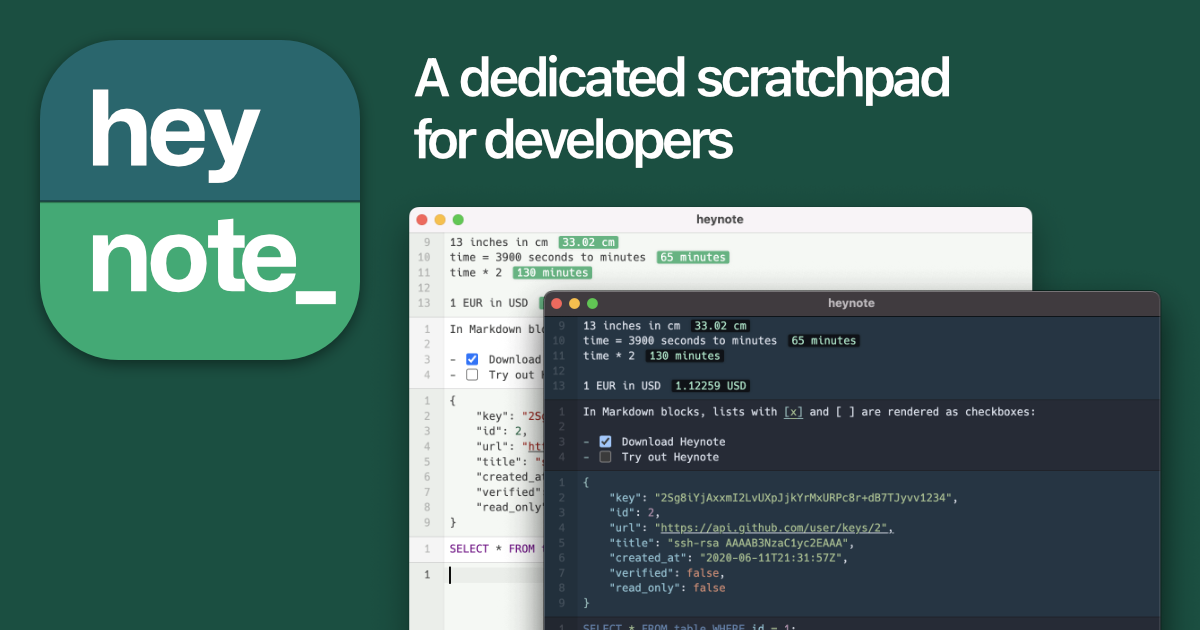
I made Heynote entirely for my own use case. For many years, I always had an Emacs instance running with the scratch buffer open, even long after I had abandoned Emacs as my programming editor in favor of more recent IDE:s.
The simplicity of having just one big scratch buffer appeals to me, but I still want to separate the different things I jot down somehow (without using tabs or similar). Previously, my solution was to insert a bunch of blank lines between the notes, but hitting C-A would still select the entire buffer. That's why I came up with the concept of "blocks", which turned out really well for my use cases.
I decided to release Heynote, thinking it might be useful to others.
Comments (303) 149 threads
Earlier comments* https://soulver.app Granddad of them all, Mac-only, proprietary, expensive
* https://numi.app Mac-only, proprietary, semi-expensive. Has a Github and claims to be MIT-licensed but I don't see how you could build a working application with what's in the repo.
* https://calca.io Windows- and Mac-only, proprietary, not expensive, nice docs.
* https://notepadcalculator.com Web-based, not open source, hosted but uses local storage. You can optionally create an account to sign in and have your notes saved in plaintext on his server.
* https://github.com/bbodi/notecalc3 Web-based, open source, self-hostable. But it seems to save your document in the URL string itself, which means the URL gets updated with almost every keystroke. Worth it for quick calculations and very small notes, I guess.
* https://numpad.io Web-based, hosted, not open source. Also stores entire doc in URL, but doesn't update the URL bar the whole time you're typing.
* https://numbr.dev/ Web-based, hosted. Has a Github but is not open source and the repo does not have all the bits needed to self-host it. Stores entire doc in URL.
* https://github.com/metakirby5/codi.vim Vim/NeoVim plugin that is less like a "smart notepad" and more like Jupyter but with results printed on the right side of the screen instead of in a cell below. Supports lots of programming languages.
Myself I have ended up with mostly using Soulver and TextMate. TM is not really the same thing but it has nice built in text manipulation for more advanced things like "diff selection with clipboard", regex and "sorta and remove duplicates". The thing it lacks is on the scratchpad/autosaving... So I just abuse the window restoration feature and never close or save any documents but have 50 textmate windows :-)
All comments shown.
Couldn't load more comments. Check your connection and try again.