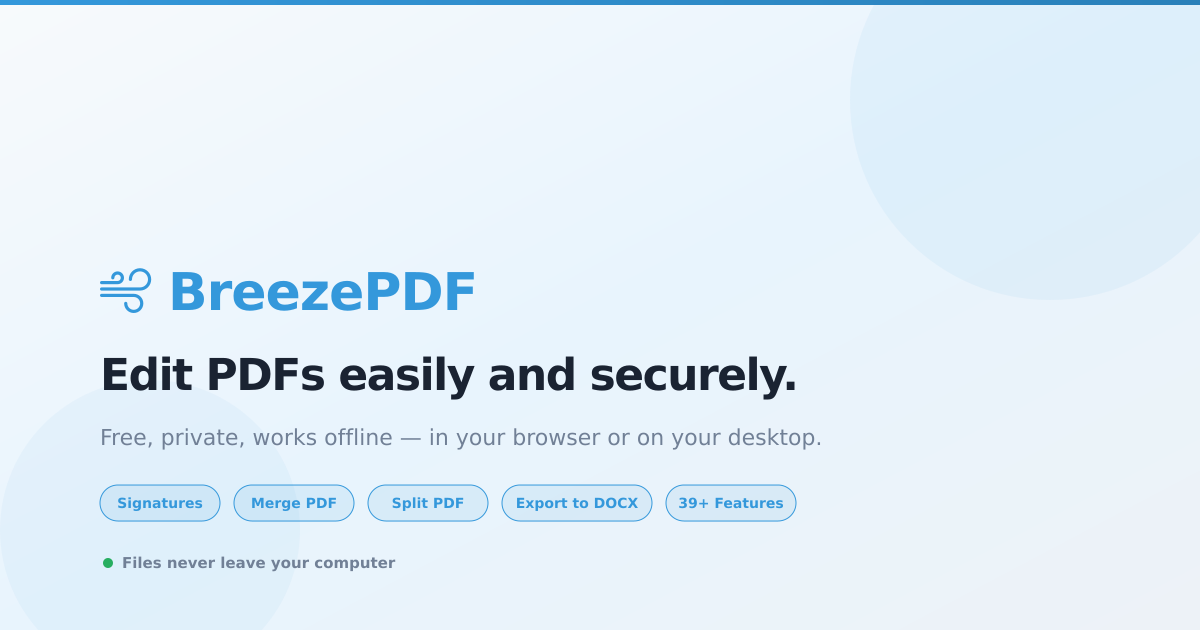
Add text, input boxes, pictures, signatures, delete pages, merge PDFs and password protect them. All happening in the browser, 100% free and no sign-up.
As of now I don’t plan on open sourcing. I think open sourcing software that I plan to monetize would create bad incentives. There are several companies of note that were very permissive early on with open source, and eventually after the product was built in large part by the community, they closed sourced it. I think it’s more honest to not open source it in the traditional sense, as there’s no chance of close sourcing a product that the community would have helped build for free. What I’m thinking at the moment, to fully answer your question, is to have a downloadable version for a fair, one-time price. As of now I think this approach provides the best balance between monetization and having full trust in the software and the ability to modify the software as you wish.
I tested in Tor Browser at standard security level and it's blank except the thumbnails on the left show fine, so just a minor glitch somewhere is breaking it. I presume it doesn't support TOC then, which is a shame. On the upside, the signature feature is well appreciated, something sorely missing from most other PDF editors.
I might post the repo, but if you don't trust it you can just open the Network inspection tab and you'll see that zero network requests are made when you edit a PDF
You can also use "offline mode" in Dev Tools to ensure that tab doesn't send or receive network traffic. Then you don't have to sit there monitoring it.
Comments (182) 50 threads
Earlier commentsFantastic work btw.
As of now I don’t plan on open sourcing. I think open sourcing software that I plan to monetize would create bad incentives. There are several companies of note that were very permissive early on with open source, and eventually after the product was built in large part by the community, they closed sourced it. I think it’s more honest to not open source it in the traditional sense, as there’s no chance of close sourcing a product that the community would have helped build for free.
What I’m thinking at the moment, to fully answer your question, is to have a downloadable version for a fair, one-time price. As of now I think this approach provides the best balance between monetization and having full trust in the software and the ability to modify the software as you wish.
All comments shown.
Couldn't load more comments. Check your connection and try again.