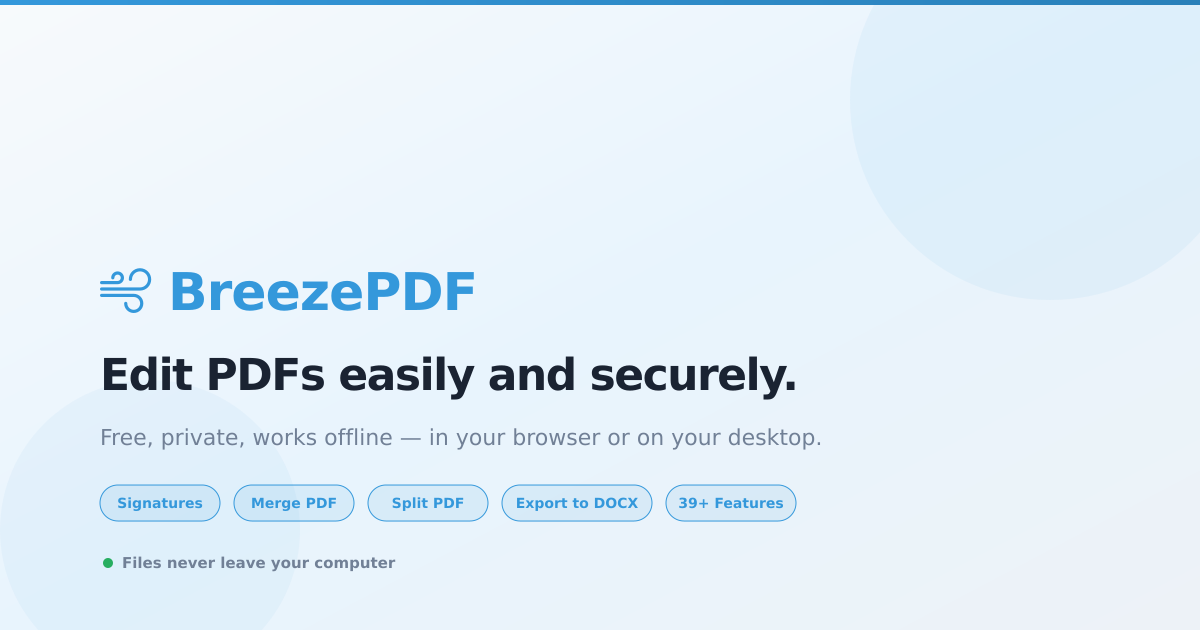
Add text, input boxes, pictures, signatures, delete pages, merge PDFs and password protect them. All happening in the browser, 100% free and no sign-up.
Thank you for breezepdf, it is a beautiful idea. I am using it to create simple documents, do you foresee any new features? Like a table? That would be perfect.
Yes, lots of new features coming as well as a downloadable desktop version. A table is definitely something I will add! Thanks for the suggestion. Stay tuned!
Really neat. i tried a couple and it worked fine for my use case which is mainly adding a signature .. Any chance the signature size can be adjusted by dragging a corner ?
Thanks! It's not on GitHub because I don't desire for it to be redistributed by others. I will be releasing a downloadable desktop version (as a Progressive Web App) with even more features for a nominal one time payment. It makes the most sense to do it this way because having some monetization is good motivation to keep improving the product, while people still getting the benefits of running it completely locally.
Besides, most people working with PDFs aren't developers who wouldn't be able to host it locally on their own.
Comments (182) 50 threads
Earlier commentsYes, lots of new features coming as well as a downloadable desktop version.
A table is definitely something I will add! Thanks for the suggestion.
Stay tuned!
Besides, most people working with PDFs aren't developers who wouldn't be able to host it locally on their own.
Thanks for this! I'll definitely add it to my bookmarks
All comments shown.
Couldn't load more comments. Check your connection and try again.