Show HN: I built an app to block Shorts and Reels (opens in a new tab)scrollguard.app
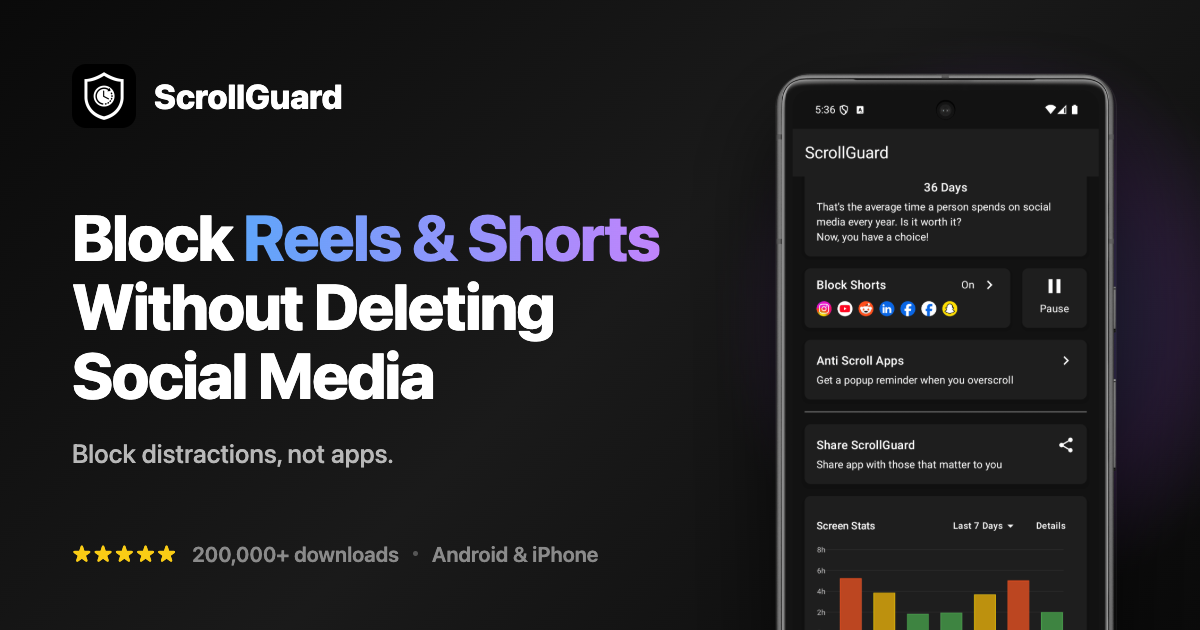
690 pointsMost screen time apps I found focus on blocking the app itself instead of the addictive feed, so I created this app to allow me to keep using the "healthy" and "social" features and block the infinite scrolling (Reels)
After implementing the block on Instagram Reels, I got addicted to YouTube Shorts and Reddit feed. So, I extended the app to cover these as well.
To avoid replacing the scrolling for regular feeds, I also added a feature that shows a pop-up when I'm overscrolling in any app. It forces me to stop and think for a minute before I continue scrolling.
I built it on Android Studio, using Kotlin and Jetpack Compose for the UI. I use the Accessibility Service to detect scrolls and navigate out of them. Unfortunately, this only works for Android. There is no way (as far as I know) to do this on iOS.
I'd love to hear your thoughts
Comments (305) 90 threads
Earlier commentswww.linkedin.com##main[aria-label="Main Feed"] .scaffold-finite-scroll__content
Removes all content, while still allowing you to post content (write-only media, innit?), and send and get messages etc.
Could you adjust your app (or make a different version) that automatically covers up ads or automatically skips them (e.g. in Instagram stories). Would be great for TikTok too.
All comments shown.
Couldn't load more comments. Check your connection and try again.