Lurker News
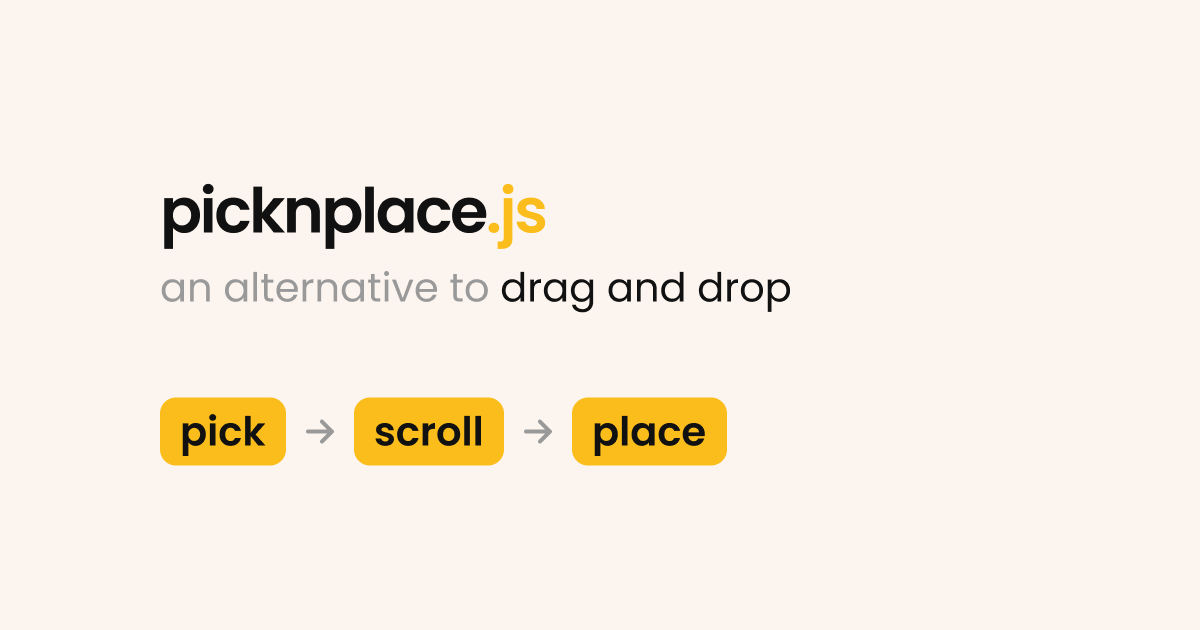
I find that the drag and drop experience can quickly become a nightmare, especially on mobile. To tap, hold, drag, and scroll, all at the same time, is both difficult to achieve, and prone to errors. I've always had in mind this 2-step approach, where picking an element and placing it were two separate steps. So I implemented this basic version to showcase my idea.

While it might take more time than a regular drag and drop, the benefit is for people who struggle with holding down the mouse button. With picknplace.js, you only need two clicks and some scrolling.
This solution is meant as an experiment, so I'm open to discussion.
Comments (152) 101 threads

Earlier comments
breadchris#
wow! I love this solution. I agree on the pain of drag and drop on mobile.
paxys#
Neat concept, but why scroll the entire page? It just ends up being distracting and confusing. Once you hit "pick" the scroll action should affect just the list and nothing else.
Timwi#
When I had to implement a UI for reordering a list, I just had a “move” button on each item, and when you press it “move here” buttons would appear between every item (and at the top and bottom). These buttons are positioned absolutely, so there is no reflow from stretching the list. The location where you ‘place’ the item is where you click, not dependent on scroll position. Without even planning for use on mobile it ended up “just working” on mobile because you only need to tap buttons.
darepublic#
On Firefox mobile if I pick the last item then scroll up past the top of the first item and place it often doesn't reflect. There are probably other little bugs like this. Also if you pick and scroll past the area there was some jitter with the cancel and place options. Maybe need to deal with those edge cases. When it works well it is nice but I would be afraid to use something like this

Load more comments