I was editing some audio last week and I just picked the first thing in Google that didn't look like shit and didn't try to take my first born child (which I don't even have), to use any feature of it. Turns out it was this! Thanks, it's been a pleasure using your tool and I'll definitely do it again!
Hey, really awesome work!
As someone that makes a lot of music and creates instruments and plugins, there's one thing though I feel need to push back against slightly.
So now you're in the position where I'm assuming the codebase is quite young an malleable. I think it's worth asking yourself: do we need another garageband-like linear music tool? I would say, no. The reason I'm bringing this up in first place is because, yes, there will always be people that think you should make another... superhero-movie or something. But why not make an effort to make something instead that genuinely introduces some new ideas?
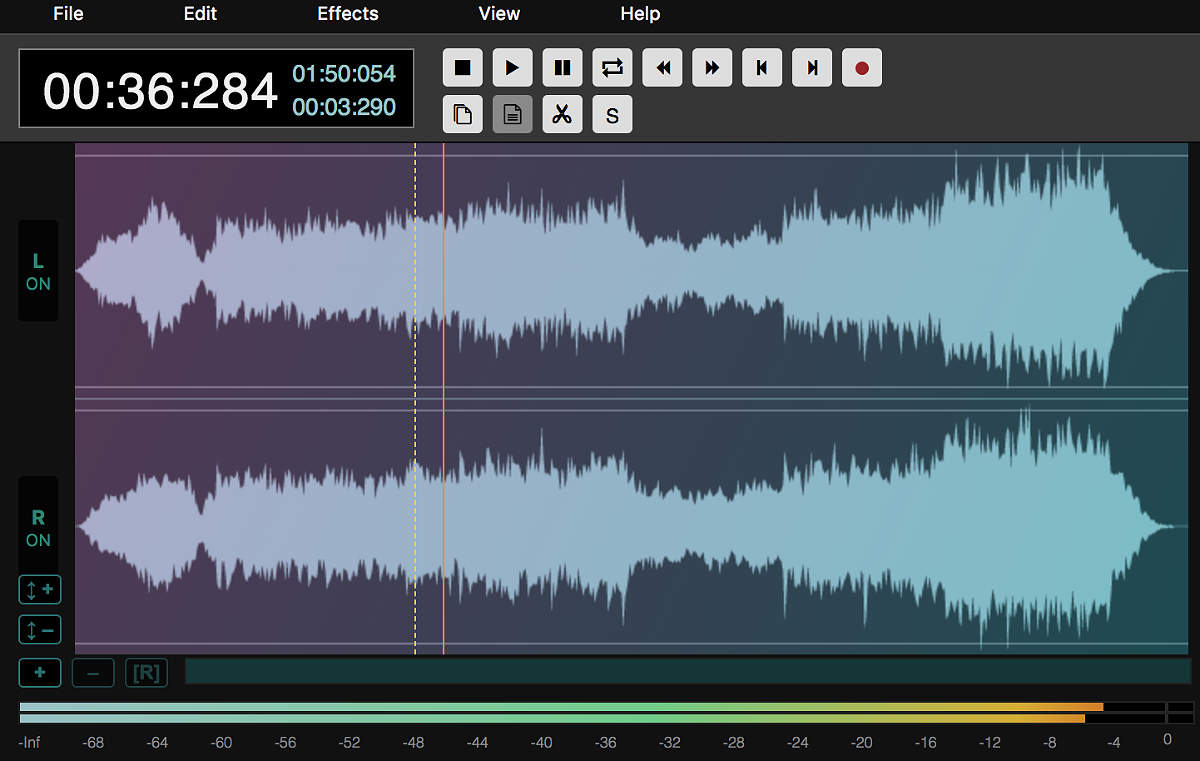
you can click and drag to select part of the audio (and then drag the edges of the selection region that has appeared if you want to adjust it), and then apply the effect. All effects prioritize the current selection first, and if no selection is present then get applied on the entire track.
Looks awesome! Had some trouble using it though. I double clicked a sample and got stuck there. Nothing in the view menu or any way I could see to get back to the initial overview screen.
Comments (120) 52 threads
Earlier commentsOne question: I tried the "Fade In" effect; is there a way to control its timing (i.e. the part of the clip where the effect is applied) ?
All comments shown.
Couldn't load more comments. Check your connection and try again.