Lurker News
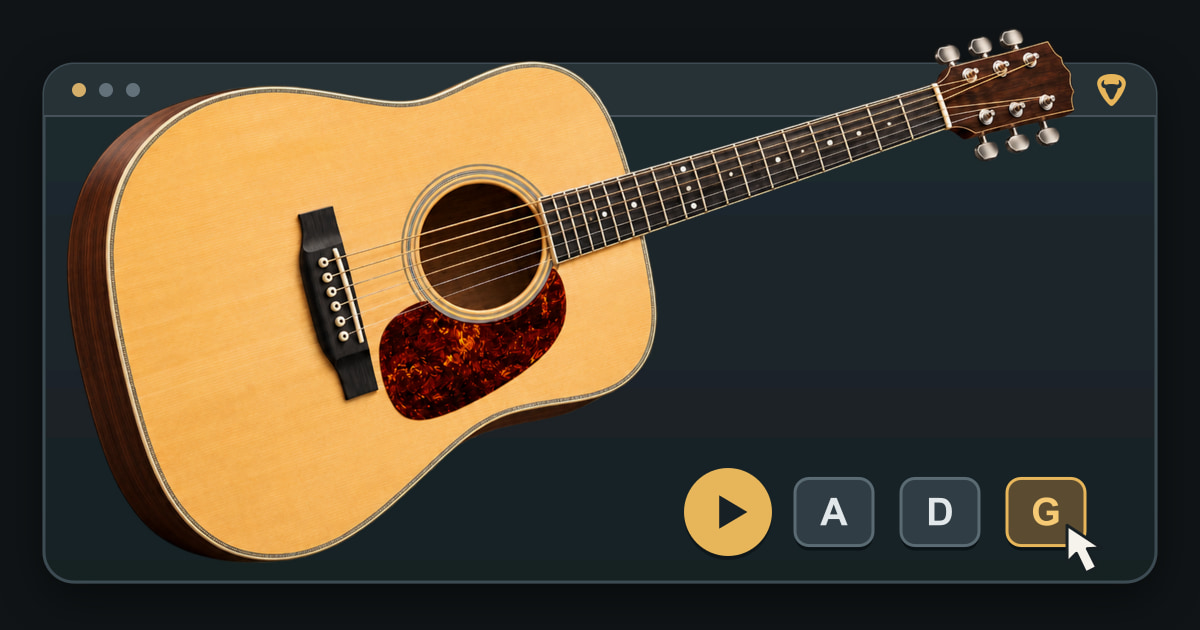
Guitoro is a free browser guitar using recordings of real instruments. You can strum with your keyboard, mouse, or touchscreen, choose acoustic, classical, electric guitar or bass, and see chord fingering and each stroke. Song practice can be slowed to 20%, and there are free chord tools and tuners. No signup or download.

1 minute video demo: https://youtu.be/DtcluMLdSgs
I would love feedback on how the strumming feels and sounds.
Comments (161) 102 threads

Earlier comments
automaciej1 reply#
Did you use a mirror? Or is this for left handed guitars? It's because a guitar never looks like that, not a regular right-handed guitar. When you play a guitar, you see the side of the neck, so you need to lean out a bit to see it. Or rotate the guitar so that you can see the fretboard. In this position the headstok is pointing to the left and the thickest strings are on the bottom, closer to you. For the thickest string to be on the top, you'd have to flip the guitar over like a left-handed person would do. But then the headstock would point to the right, and you're in the left-handed position with a right-handed guitar.
gloja1 reply#
I just pushed an update fixing this issue. Let me know your thoughts. Thanks
automaciej#
Yes! The Tab view reads intuitively now.

The previous view would still be valid view for left handed guitars. The 10% or so of left handed population would appreciate it, just don’t make it the default and clearly label as a left handed, or a mirror reflection. And the “player view” for left handed should have the headstock pointing to the right.

Rygian1 reply#
Why does it show a left-handed guitar on Player view, and a right-handed one on Audience view?
gloja3 replies#
Hi Rygian, Good catch.

Player view does show a left handed guitar. Two reasons: 1. matches what a right handed player sees looking down at their own guitar: low E on top, neck on the left. 2. players without guitar, to lined up with the pc keyboard that is on the left.
True Audience view is like you watch right hand guitar player.

bibimsz2 replies#
" matches what a right handed player sees looking down at their own guitar: low E on top, neck on the left"

no, it's wrong

Aboutplants4 replies#
Yeah, and I would rather see the “normal” presentation of chords. At least provide a selector to be able to toggle the view.

Continue this thread — 4 replies

rrr_oh_man#
Yeah, Tab + Player is the right one.
djeastm#
That's interesting because I think of Low E on the "top" as meaning close to me, which puts it on the bottom of the screen in this app. That matches what happens when I twist a real guitar face towards me when I've got one strapped. So I just switched it to Tab view and it all felt better.
dalmo3#
Thanks for adding Tab view. Much more intuitive.
orliesaurus#
I just spent 30 minutes playing with this. It's incredible, well done to the author!
XCSme#
Really cool app, sounds good, especially when playing back the demo songs.

I am also building a music game/app for learning piano basics:
https://ultimidi.com

Load more comments