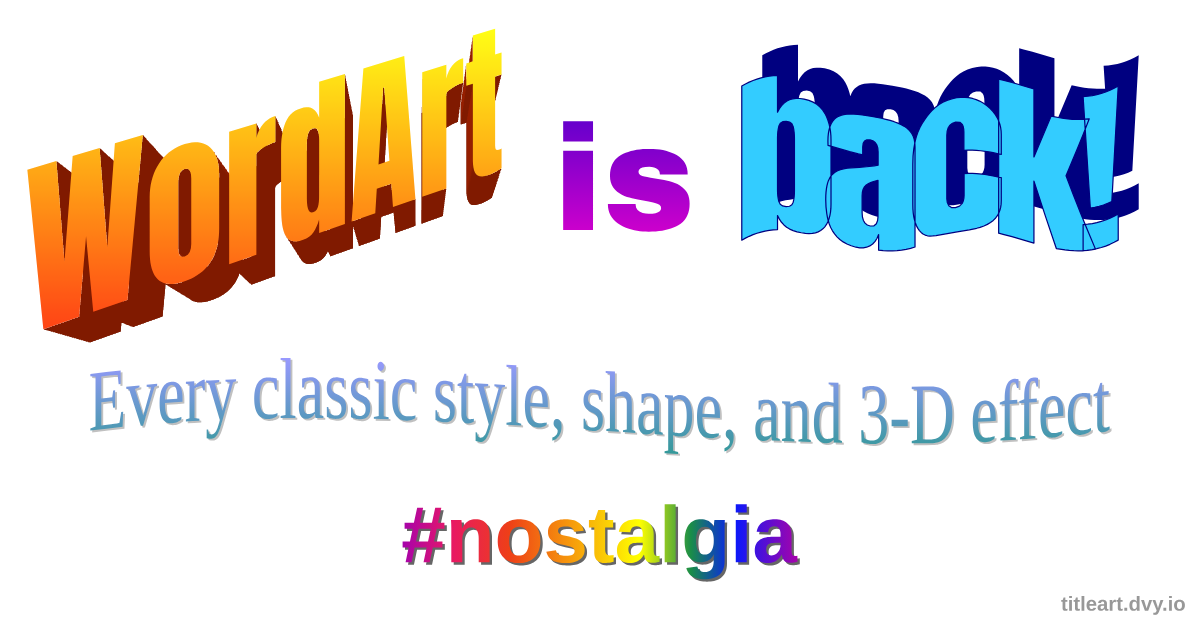
I wanted to make a faithful recreation of the original WordArt so I went through the various screenshots I could find and tweaked the built-in styles by eye. It's pretty fun to play with, and I didn't realise it would take me back to sitting in the ICT computer rooms at my school in the late '90s.
Enjoy! And please feel free to share anything you make with me — I'd love to see. (Contact details in the help menu.)
Brought back many memories. There were also some fonts that added 'shimmer' and 'sparkle' text. You didn't run up a Win98 VM and install the old Word? Great job at making it all by screenshots and eye.
I never thought of that, actually. Perhaps I should as I don't remember shimmer or sparkle. I'll see if I can find some examples (if you happen to know of any I can reference please send them over).
Here -- they were effects you could add on regular text:
https://www.youtube.com/shorts/RHbP2Q7A-Wg (I still find it mind-boggling that Word 2000 runs mostly just fine on a MacBook with an entirely different OS and processor architecture via Whisky/Wine.)
Very nice! Would you consider making it open source and sharing it on GitHub? I’d love to be able to easily install it locally on my machine and also to reuse the retro look of it for my own other local tools.
While I totally get why you say AI can make it for you based on the site in this case, I sense we slowly but surely are moving from "code is the foundation" to "who cares about the code, AI can rewrite it anyway", as if AI in the future will be the only source of truth and you just don't have to worry to know things
One of the weirdest bits of 90s tech trivia: Scott Forstall, who was in charge of software at Apple when the iPhone was initially developed, when working as an Intern at Microsoft contributed to the development of WordArt: https://en.wikipedia.org/wiki/Scott_Forstall#Present
This app even can do proper hard shadows in vector format no less. Something Adobe Illustrator has failed to do (without bending over backwards) for thirtynine years!This will actually be useful to me!
You need to open up a document in Compatibility Mode on a Windows machine. Basically, open an older .doc file (save a blank new document in Word, as a Word 2000 file). You will see it in the "Insert" tab on the ribbon (it's the "A" next to "text box").
Comments (82) 55 threads
Enjoy!
And please feel free to share anything you make with me — I'd love to see. (Contact details in the help menu.)
I never thought of that, actually. Perhaps I should as I don't remember shimmer or sparkle. I'll see if I can find some examples (if you happen to know of any I can reference please send them over).
https://www.youtube.com/shorts/RHbP2Q7A-Wg
(I still find it mind-boggling that Word 2000 runs mostly just fine on a MacBook with an entirely different OS and processor architecture via Whisky/Wine.)
Continue this thread — 1 reply
https://brynnbateman.com/
Also, the Web is already open source
Maybe. What does the license/signed contract if you have one say?
Turns out that WordArt is still feasible in modern-day Word, but it's really fiddly.
All comments shown.
Couldn't load more comments. Check your connection and try again.