Show HN: Klistra – Make launch videos and product demos, all in one AI studio (opens in a new tab)klistra.ai
1 pointsAs a solo dev with a lot of projects going on, I found myself needing to make short promos or explainer videos. Not being familiar with animation software, I had the idea to use Claude to code up those videos and export them as video files. In the process of creating these clips I stumbled into a bunch of bugs and setup needed to make it work reliably. The list of features I wanted for better control and feedback kept growing and I needed to sign up for a bunch of services to get music, voiceovers and other media into my project. I couldn't find an existing service that had everything I wanted. Seeing these hurdles and that the technology was only easily accessible to people already confident with coding agents, I started working on Klistra, and a couple of months later I'm turning it into a service so you all can use it too.
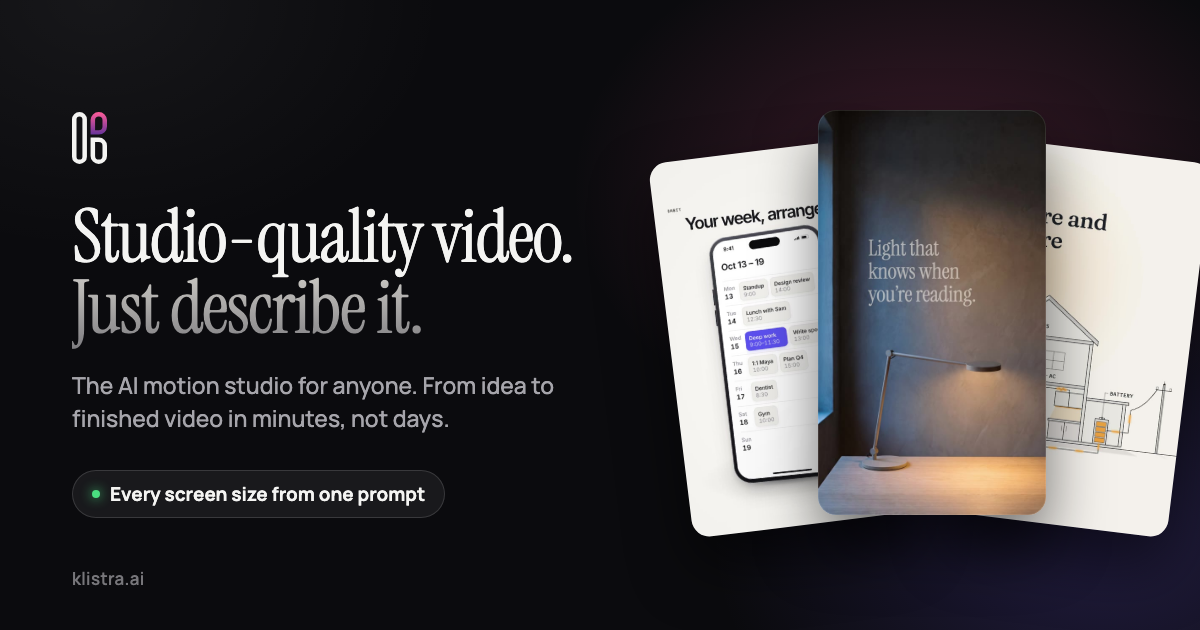
The goal with Klistra was to include everything I missed in the manual workflow in an easy-to-use service with a nice UI, so people could focus on what they wanted the video to look like, not setting up the framework behind it. Klistra includes precise timeline control, media generation, built-in support to make animations match the rhythm of the background music, word extraction from voiceovers or songs, a dedicated iteration / feedback tool, website import and much more.
Something I knew I needed to get right was making it easy to iterate on small features of the video with precise control of what was being built. I designed Klistra so you first create a specification where you define scenes in detail, describe what you want shown and when, reference media or timestamps in-line, freely drag the timeline around and preview the result before letting a builder agent create the video. If you want to change something, the specification changes and the builder agent gets a diff of what changed. There is also a planner agent built into Klistra that helps create and edit the specification for you (which is what I use the most), while letting you turn to manual fine-tuning when needed.
Don't think of this as a replacement for diffusion models, if you want photorealistic images or videos they clearly do a better job. Klistra really shines when you need motion design and precise control, exact text with your fonts, media such as logos or voiceovers, animated UI that matches your apps and so on. Klistra does have built-in integrations for generating media from diffusion models, and combining the two technologies usually gets the best results.
Everything that costs money to run on Klistra, from machines to AI tokens, is paid for with credits included in a subscription or bought via one-time packs (Pro starts at $25/mo ($20 billed yearly) and packs at $12). Being a solo dev without funding, the budget wouldn't allow for a free tier with enough monthly credits for a real project. I instead decided to give the first 200 of you who sign up 350 free credits, enough for a simple video (the advanced tutorial used around 250 credits).
There is also a Claude Code integration in paid subscriptions, where your agent can act as a planner, convenient if you already have a project built with Claude that has all the context and you need an explainer, ad or social post. It also reduces credit spending if you're a heavy planner user.
- Tutorial, mostly using the planner: https://klistra.ai/docs/basic
- Advanced features and manual control: https://klistra.ai/docs/advanced
- More demos: https://klistra.ai/
Happy to hear what you think!
Comments (3) 3 threads
I agree, the models have gotten really good, and Klistra uses a similar pipeline to Claude + Remotion under the hood. It doesn't use Remotion, but it's currently running on Opus 5.5.
What I tried to do with this project was make it more accessible and integrate all the supporting tooling into one studio with a purpose-built graphical interface.
If you're a developer who's already got your own Claude + Remotion workflow set up, you might not need Klistra. It's mainly for people who'd rather spend the time on the idea than on the setup. That said, I use Klistra myself even though I had the Claude workflow set up before, because the supporting features save me time, and with the Claude connection you get a bit of the best of both worlds.
I think the biggest downside to Klistra right now compared to the manual pipeline is the cost. If you already have a Claude subscription, it's going to be more expensive, since Klistra has to pay API prices. A first 15–20 second video usually takes 50–150 credits, roughly $2–9 depending on plan. The Claude integration was an attempt to partly fix this, but the builder agent itself still runs on the API.
My hope for the future is that models will get better and cheaper, so this won't really be an issue. I also have plans to gather my own data and try to fine-tune an open-source model, which could be both better and cheaper, but so far I've focused on getting the product out there.
Curious what you mostly make, and where your setup still falls short?
I make multiple random videos, from feature launches and because things are cheap, we can now actually customize videos for investors, clients to the level that we customize videos for each clients, so we do have an internal workflow that kinda takes a prompt and produce many videos. Other than that, things like employee training video, or product training. Claude is really great in narrating through live product video screenshots as well.
Hmm where it falls short actually is 2 places: one is that we are mixing diffusion models for some parts of the videos, that remains to be a lottery machine, and second is the voice model because we'd have to produce the videos in multiple languages and it sometimes still mispronounce some words, like maybe 1 or 2 word out of a 3 minute video. Its small error, but annoying. Nothing major on the overall level, but little thing that prevents the one-shot performance.
All comments shown.
Couldn't load more comments. Check your connection and try again.