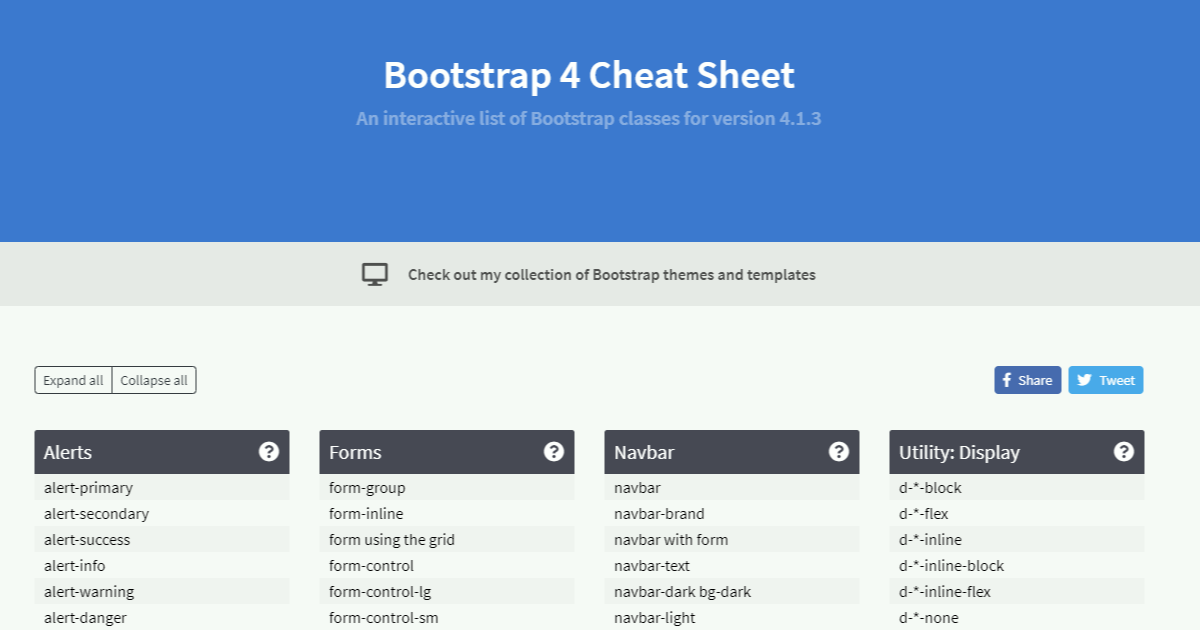
I feel like bootstrap has become the jquery of css themes. People will launch into a lecture on "separation of concerns" when they see a style attribute in html or a ruby loop in an .erb template. Yet they litter their code with class="col-xs-4" without a second thought.
From what I recall css class names should be semantic because they're in the html code and should relate to the content and not to its current presentation. So class="col-xs-4" is unsemantic.
I just found it faster to add the classes directly to the HTML. But I will check how this would work with Babel+WebPack+React in the future. I can import SASS files in JS, but they would have to be merged with the Bootstrap SASS etc.
.home { .twitter-area { @include grid-column(4); } } But personally I find that to be much more of a pain in the butt to come back to a couple of months later than just applying the column classes directly to elements.
And then in case you want to change element size you will have to go through all the elements that were generated in the backend where you applied inline style and change that manually for each of them? You either have never worked with big CSS projects or I am just not understanding what you mean, applying inline styles directly to elements will cause a maintenance havoc in my opinion
As someone who did a couple of front end jobs both building and fixing css built in this way I can give you one advice: don't.
This might seem like an obvious thing to generate cleaner and more 'semantic' markup but you will end up with tight coupling all over the place. When you change anything in your layout you'll need to rewrite parts of your css, which is basically twice the effort. You'll just end up wasting your employers time and money. If you want some deeper insight into why it's considered a bad philosophy, I highly recommend reading some articles by Harry Roberts. Then again, some succesful professionals actually work this way, I know a few.
Comments (161) 45 threads
Show all comments
Showing thread 3 of 45
Just searched for "semantic name" and found this article from 2011 that explain the subject quite well: https://css-tricks.com/semantic-class-names/
Continue this thread — 1 reply
Select your elements with SASS and let this selector inherit the style of a Bootstrap class.
But I never tried to use it that way.I just found it faster to add the classes directly to the HTML.
But I will check how this would work with Babel+WebPack+React in the future.
I can import SASS files in JS, but they would have to be merged with the Bootstrap SASS etc.
Continue this thread — 2 replies
.home { .twitter-area { @include grid-column(4); } }
But personally I find that to be much more of a pain in the butt to come back to a couple of months later than just applying the column classes directly to elements.
But it somehow hurts to look at the markup later, with all the classes, etc.
Continue this thread — 1 reply
Continue this thread — 1 reply
http://bourbon.io/
This might seem like an obvious thing to generate cleaner and more 'semantic' markup but you will end up with tight coupling all over the place. When you change anything in your layout you'll need to rewrite parts of your css, which is basically twice the effort. You'll just end up wasting your employers time and money.
If you want some deeper insight into why it's considered a bad philosophy, I highly recommend reading some articles by Harry Roberts.
Then again, some succesful professionals actually work this way, I know a few.
I don't see the problem.