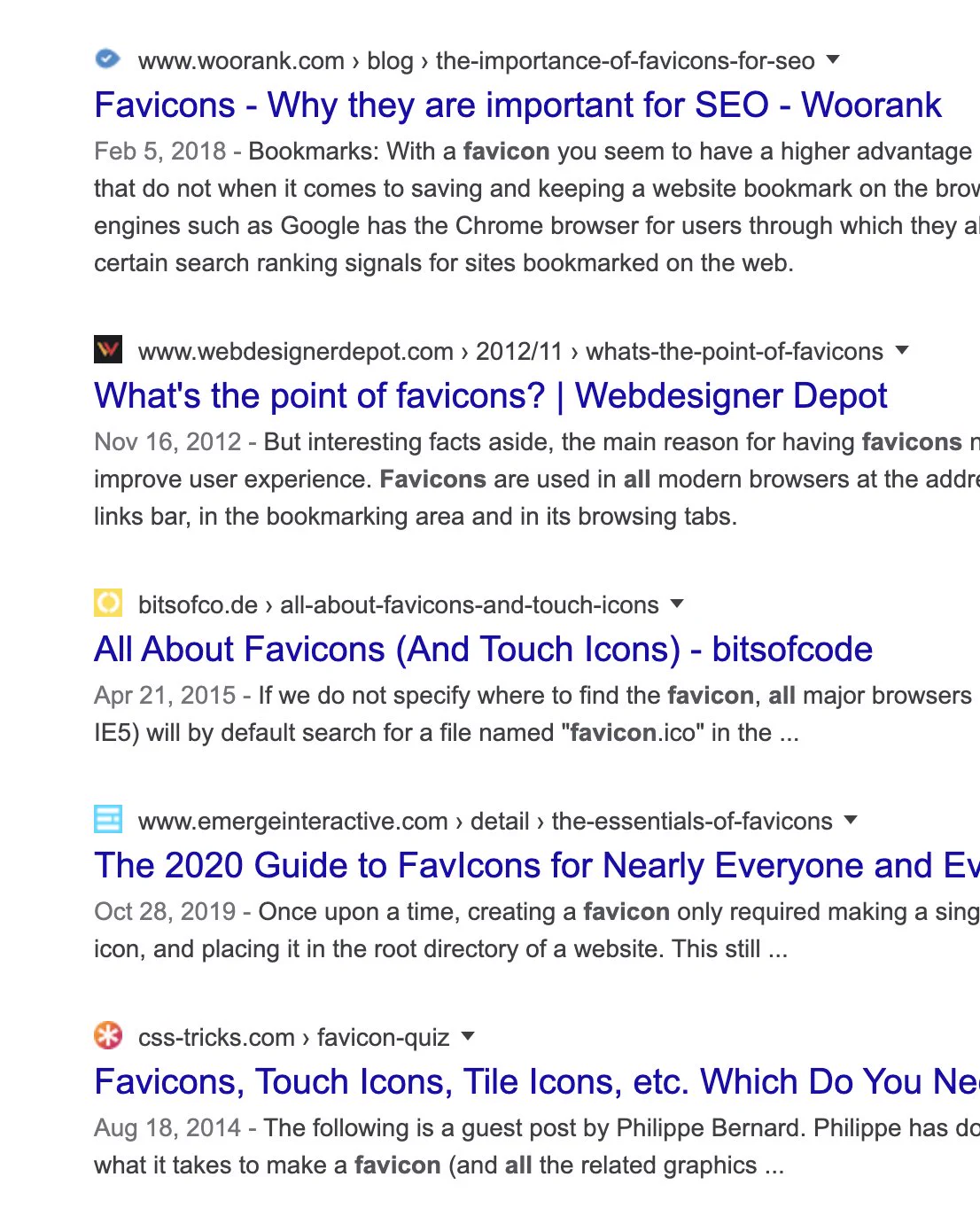
A little while back I started experimenting with changing the user agent string and found that there are actually many different variations of Google’s search UI that are currently accessible. For example, I was surprised to find that by setting the user agent string to Netscape Navigator 4, I could get a lightweight, no-JS version of Google that looked like it was from the early 2000’s. By using a user agent string from IE6/IE9, I could get a version of Google they looked like it was from around 2010 (the former with a simple white navigation bar, and the latter with a more complex black navigation bar). I found it interesting that these UIs seems to be almost frozen in time: many of their navigation bars contain some outdated links that either redirect or 404. I assume this mean that old browser versions are stuck in time in terms of Google search UI also.
Many of these UIs don’t have the controversial changes that Google has recently been implementing, including adding favicons and hiding full URLs. I also found that there were several different mobile UIs for Google with different navigation schemes and search box styles. I implemented what I found in a simple Firefox extension that changes the user agent string for Google searches [1]. [1]: https://addons.mozilla.org/en-US/firefox/addon/google-search...
Many of these UIs don’t have the controversial changes that Google has recently been implementing, including adding favicons and hiding full URLs.
I used the UA workaround up until near the end of last year, when they broke it and instead replaced with an even more dumbed-down mobile UI. (If you know of a UA which can still "unlock" the old JS-less full-featured UI, please say so!)
Your post got me excited, sadly it doesnt work :( I installed "User-Agent Switcher for Chrome" and played with strings from this extension. Even verified in dev console "Mozilla/4.0 (compatible; MSIE 6.0; Windows NT 5.1; SV1)" was being send, cookies/localstorage deleted. At best what I was able to get is "Second Alternate Mobile UI". I was really hoping for "Last-gen, Black Bar", but it seems unattainable :(
I just realized that most of these UIs unfortunately redirect to a simplified mobile UI. Thanks to those who pointed this out in the comments; after Google had left the UIs in-place for 15+ years, I wasn’t expecting them to remove in the few months since I put together this extension. I’ll look into seeing if there are any user agent strings that still work in the future.
I did a little testing, and found that Google Images still uses the old UI with these user agent strings.
I also found another, even simpler mobile UI available with this user agent string, though results seem to be sent through a mobile-formatting proxy operated by Google: Mozilla/5.0 (PlayBook; U; RIM Tablet OS 2.1.0; en-US) AppleWebKit/536.2+ (KHTML, like Gecko) Version/7.2.1.0 Safari/536.2+
Crazy. User agent strings are such a broken concept where every browser pretends to be another. How anyone is still attempting to use them to do anything useful is beyond me.
If you a building a webapp, use feature detection not user agent strings.
User agents ARE feature detection, but for the server.
Now I tend to agree with the general advice that anywhere you can use JS based feature detection, you should prefer that. But hell, there are times js based feature detection REALLY doesn't cut it. For example, here's the Chromium team recommending UA based feature detection for handling the SameSite kerfuffle:
https://www.chromium.org/updates/same-site/incompatible-clie...
Comments (972) 192 threads
Show all comments
Showing thread 5 of 192
Many of these UIs don’t have the controversial changes that Google has recently been implementing, including adding favicons and hiding full URLs.
I also found that there were several different mobile UIs for Google with different navigation schemes and search box styles.
I implemented what I found in a simple Firefox extension that changes the user agent string for Google searches [1].
[1]: https://addons.mozilla.org/en-US/firefox/addon/google-search...
I used the UA workaround up until near the end of last year, when they broke it and instead replaced with an even more dumbed-down mobile UI. (If you know of a UA which can still "unlock" the old JS-less full-featured UI, please say so!)
from: https://news.ycombinator.com/item?id=22114207
I also found another, even simpler mobile UI available with this user agent string, though results seem to be sent through a mobile-formatting proxy operated by Google:
Mozilla/5.0 (PlayBook; U; RIM Tablet OS 2.1.0; en-US) AppleWebKit/536.2+ (KHTML, like Gecko) Version/7.2.1.0 Safari/536.2+
[1]: https://www.youtube.com/watch?v=QkayN3xiRDc
If you a building a webapp, use feature detection not user agent strings.
Continue this thread — 2 replies
Now I tend to agree with the general advice that anywhere you can use JS based feature detection, you should prefer that.
But hell, there are times js based feature detection REALLY doesn't cut it.
For example, here's the Chromium team recommending UA based feature detection for handling the SameSite kerfuffle: https://www.chromium.org/updates/same-site/incompatible-clie...