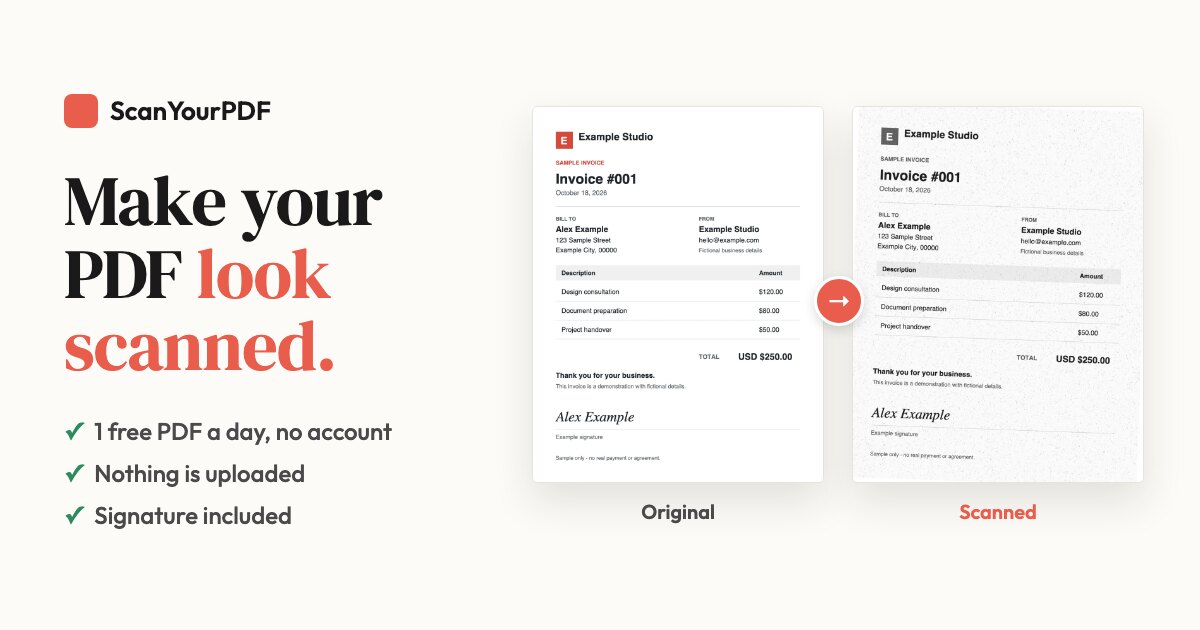
Back to front pageView on Hacker News (opens in a new tab)Show HN: Make Your PDF Look Scanned (opens in a new tab)scanyourpdf.com607 pointsby baicunko (on Hacker News)6 years agoscanyourpdf.com (opens in a new tab)Make PDF Look Scanned | No Upload & PrivateMake a PDF look scanned in your browser. Your file is never uploaded, so it stays private. Signature included. 1 free PDF/day, no account needed.Comments (168) 45 threadsShow all commentsShowing thread 28 of 45[-]thesis6 years ago1 reply#Pretty cool!What I normally do in a pinch is use Google Drive.. it has a "scan" option that you can take a picture with your phone.jeffbee6 years ago#FWIW the output can be significantly better using PhotoScan app, also from Google, no idea why they don’t integrate them.
Show HN: Make Your PDF Look Scanned (opens in a new tab)scanyourpdf.com607 pointsby baicunko (on Hacker News)6 years ago
thesis6 years ago1 reply#Pretty cool!What I normally do in a pinch is use Google Drive.. it has a "scan" option that you can take a picture with your phone.
jeffbee6 years ago#FWIW the output can be significantly better using PhotoScan app, also from Google, no idea why they don’t integrate them.
Comments (168) 45 threads
Show all comments
Showing thread 28 of 45
What I normally do in a pinch is use Google Drive.. it has a "scan" option that you can take a picture with your phone.