I have JS off by default and the site still loads -- in fact it's exactly the same (including all functionality) except it's got a mobile layout? When I enable JS then it lays out like a real newspaper. That's interesting.
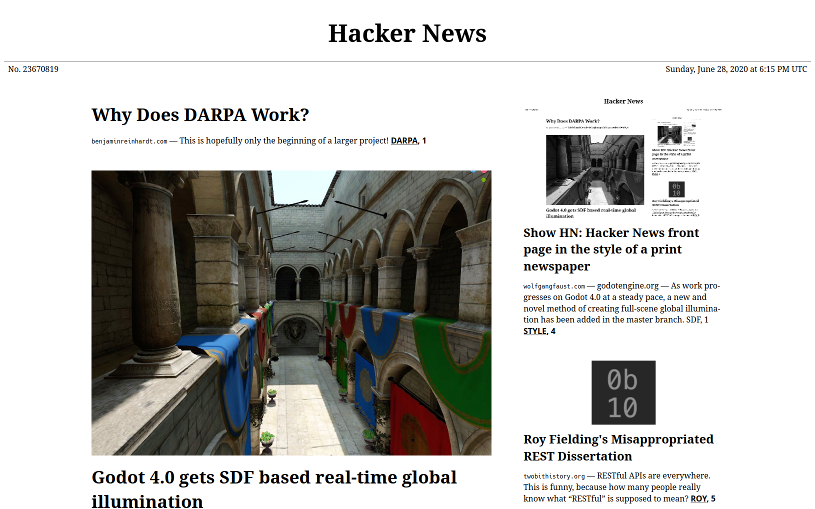
Progressive enhancement! CSS isn’t quite up to the task of arranging things the way I wanted so I’m using Masonry.js for layout. (This is also why there’s a progress bar while the page loads—it needs to wait for all the images so Masonry knows how much space everything takes. I’d like to cache the images and pre-specify their sizes but haven’t gotten to it yet.)
For whatever it's worth, on mobile I think I'd prefer it without images, or maybe just a select few images throughout the page. The page just feels too long. I'm not sure what a good way would be to pick out which to show though. But I really like this! I'm excited to try it on desktop in a bit.
30 items is a lot no matter how you slice it, really. I did experiment with hiding some of the image but I couldn’t think of a way of identifying “good” images; and having them appear and disappear based on things like position on the page seemed to just make things more confusing.
Comments (133) 66 threads
Show all comments
Showing thread 14 of 66