This is very neat but gamepad mapping can't be configured and the browser default "standard" mapping doesn't work very well (at least with my Xbox one controller).
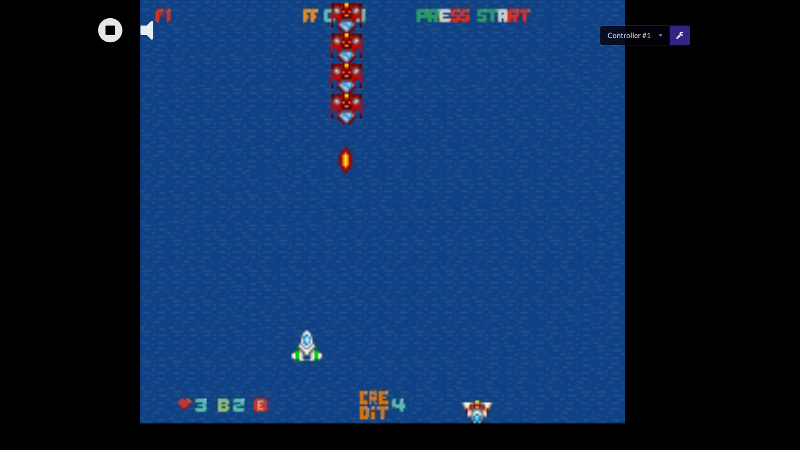
Click the wrench next to controller 1/2, click in each of the input boxes and press the button on the controller to map it. I had no issues setting up my XB1 controller.
Comments (171) 33 threads
Show all comments
Showing thread 6 of 33
If you visit chrome://flags you can enable "Restrict gamepad access" which will disable the default controller's mapping.
Incidentally, I recently wrote a small crossplatform gamepad mapper you can use: https://github.com/framp/joystick-mapper/releases/tag/0.3.0
Configuration for psxparty here: https://github.com/framp/joystick-mapper/blob/master/example...
Click the wrench next to controller 1/2, click in each of the input boxes and press the button on the controller to map it. I had no issues setting up my XB1 controller.
[0] https://joytokey.net/en/