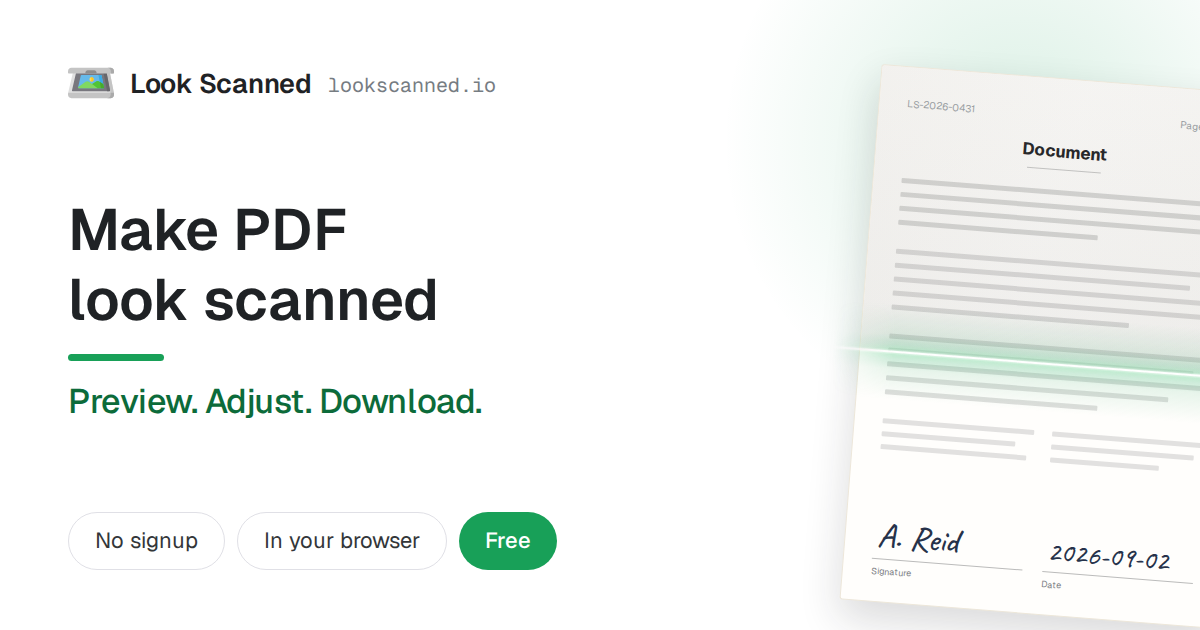
In the situations where you are supposed to manually sign and scan a printed out pdf, this way instead you can paste your signature with transparency onto it, reform as pdf and then make it looked scanned.
This really happens, especially at big companies. The lack of logic in requiring a literal wet signature but then scanning and emailing the resulting document gets lost in the "but the policy says...". It's mostly been with compliance and security groups in my experience.
A lot of companies in the EU are still refusing to accept eIDAS PDF signatures (which are actually verifiable, and required by EU and national law to be accepted for all purposes previously requiring a "wet" signature).
It is very real, unfortunately. I handles contract often and have clients who demands for wet signature, even during the pandemic. Majority of that coming from public sector.
The crazy thing is everyone is carrying around devices that would provide much better proof than a "wet signature".
It is trivial to take a timestamped and geo stamped video in this day and age of a person agreeing to a contract, and yet the standard is still "signatures". Meanwhile people are posting video clips of themselves and their locations all day on WhatsApp/instagram/tiktok/youtube/facebook.
But you could use it to get one over people who insist on receiving (scanned) 'originals' or 'wet-ink signature's, by combining it with something like handwritten.js [0]..! [0] - https://alias-rahil.github.io/handwritten.js/
At some point in my education, it was pretty common that some teachers sent us scanned PDFs instead of the original PDFs _or_ even more hilarious, gave us the printed scans of the PDFs.
I assumed that this software is basically a tongue-in-cheek reference to that, I had no idea this can actually have a practical purpose.
I've also had to do something similar to "forge" supporting documentation for medical claims. In order to claim FSA money, I had to provide detailed invoices. My hospital, however, was a big Kafka fan. They would only provide invoices that had a date and an amount, and those would take about 8 months to arrive. In order to get a detailed invoice, you had to call...but the catch is that detailed invoices were no longer available after 6 months. After every service, I'd have to immediately call for the detailed version, but if there were any after-the-fact adjustments due to insurance, I'd never be able to get a detailed statement.
To remedy this, I'd doctor previous invoices, and then print, scan, and fax to hide any editing artifacts. Keep in mind, this is all to get my own money that I'd contributed to the FSA. After that year, I just stopped using the FSA because it was such a pain.
The last FSA I had was the exact opposite. They put my FSA on a Visa card, then I went to the optometrist and forgot to use it and paid on my own credit card. A week later, I got a check in the mail from my FSA with a note basically saying "Hey, you could have used your FSA for that, so here's an automatic reimbursement." EDIT: It may have been an HSA, not an FSA. I don't remember.
Oh, that's the best part. I did have the Visa, but for whatever reason they hospital never coded things properly, so I had to fall back to the manual reimbursement.
To comply with dumb signature requirements. I needed this a couple of times. Usually it goes like this. You fill out a PDF form electronically, and add the signature via Adobe. Then you email it.
A lot of the times the recipient will complain that the signature was not handwritten. They want you to print it, sign it and scan it again. So you do this trick to make it look like you followed this process. This website is not the first one that tries to achieve this. But I would not trust uploading anything to a random Web server though. I usually do it via command line. You can use ImageMagick (i.e via the 'convert' command) to achieve the same result. It's very handy.
Comments (177) 49 threads
Show all comments
Showing thread 11 of 49
This would assumedly let you use an image of your signature rather than printing and signing.
Continue this thread — 2 replies
A lot of companies in the EU are still refusing to accept eIDAS PDF signatures (which are actually verifiable, and required by EU and national law to be accepted for all purposes previously requiring a "wet" signature).
It is trivial to take a timestamped and geo stamped video in this day and age of a person agreeing to a contract, and yet the standard is still "signatures".
Meanwhile people are posting video clips of themselves and their locations all day on WhatsApp/instagram/tiktok/youtube/facebook.
But you could use it to get one over people who insist on receiving (scanned) 'originals' or 'wet-ink signature's, by combining it with something like handwritten.js [0]..!
[0] - https://alias-rahil.github.io/handwritten.js/
I assumed that this software is basically a tongue-in-cheek reference to that, I had no idea this can actually have a practical purpose.
To remedy this, I'd doctor previous invoices, and then print, scan, and fax to hide any editing artifacts. Keep in mind, this is all to get my own money that I'd contributed to the FSA. After that year, I just stopped using the FSA because it was such a pain.
The last FSA I had was the exact opposite. They put my FSA on a Visa card, then I went to the optometrist and forgot to use it and paid on my own credit card. A week later, I got a check in the mail from my FSA with a note basically saying "Hey, you could have used your FSA for that, so here's an automatic reimbursement."
EDIT: It may have been an HSA, not an FSA. I don't remember.
Continue this thread — 1 reply
A lot of the times the recipient will complain that the signature was not handwritten. They want you to print it, sign it and scan it again. So you do this trick to make it look like you followed this process.
This website is not the first one that tries to achieve this. But I would not trust uploading anything to a random Web server though.
I usually do it via command line. You can use ImageMagick (i.e via the 'convert' command) to achieve the same result. It's very handy.