There's something extremely wrong with your implementation as it just takes too much to render every page. I've done plenty of work in the past with both canvas and pdf.js (which is what you're using) and it shouldn't be that slow, at all. Perhaps you have a rogue loop that's calling a very expensive function on each pixel of every page, maybe? Who knows, but for sure performance on that could be near real-time.
Here's a very naive blur implementation (which is your most expensive operation there),
https://codepen.io/almosnow/pen/abEXBZP?editors=0011 (at the end of the blur pass it prints the elapsed time to the console) You're right, it does get kind of slow at 2x, but not that slow, on my laptop it takes around 1 sec/page, while on your site takes 20-30 secs/page. Also, my very naive code does not take into account "warming up" and some other code optimizations to make the blur much faster, you could easily get it down to 100ms/page, I'm sure! Best luck!
You are right about performance, but does it really matter?
It feels like this is the sort of tool one needs (very) infrequently, and those cases don’t seem like the sort of thing where seconds really matter. I think it’s plenty good enough. I prefer to focus on how grateful I am that the author has made this and published it for free.
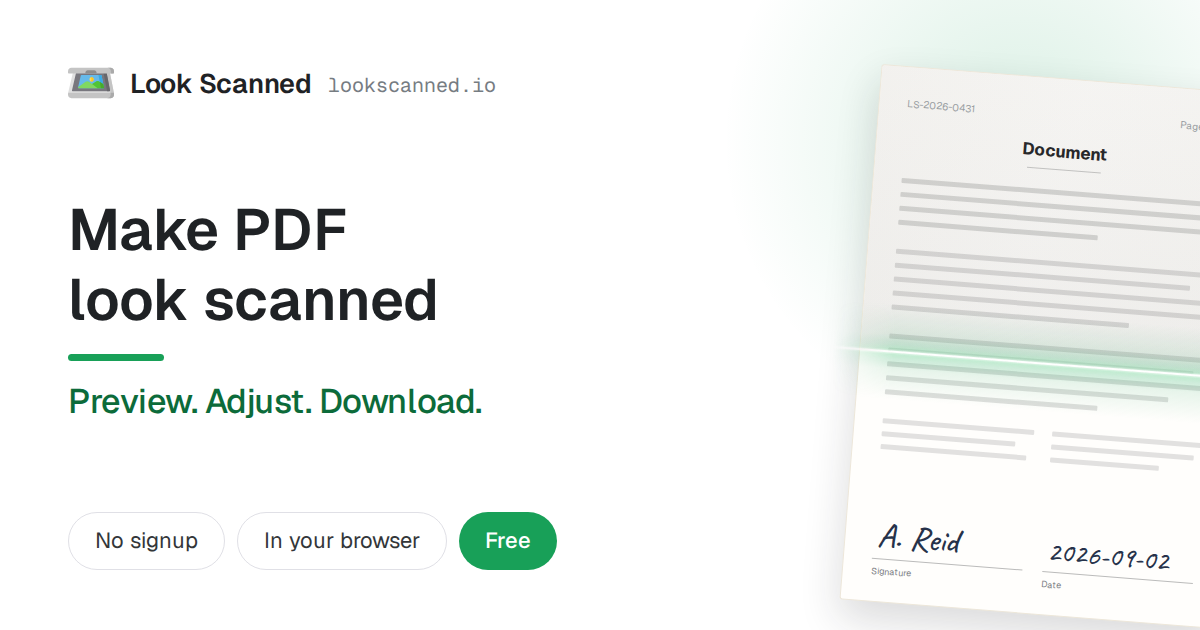
I wrote a similar program using PDF.js that renders near real-time (https://parepdf.com). You should be able to queue it up without too much trouble. If you’re doing pixel level manipulation, you want to make sure you’re finishing within the browsers frame budget.
Comments (177) 49 threads
Show all comments
Showing thread 6 of 49
There's something extremely wrong with your implementation as it just takes too much to render every page.
I've done plenty of work in the past with both canvas and pdf.js (which is what you're using) and it shouldn't be that slow, at all. Perhaps you have a rogue loop that's calling a very expensive function on each pixel of every page, maybe?
Who knows, but for sure performance on that could be near real-time.
https://codepen.io/almosnow/pen/abEXBZP?editors=0011
(at the end of the blur pass it prints the elapsed time to the console)
You're right, it does get kind of slow at 2x, but not that slow, on my laptop it takes around 1 sec/page, while on your site takes 20-30 secs/page. Also, my very naive code does not take into account "warming up" and some other code optimizations to make the blur much faster, you could easily get it down to 100ms/page, I'm sure!
Best luck!
Continue this thread — 2 replies
It feels like this is the sort of tool one needs (very) infrequently, and those cases don’t seem like the sort of thing where seconds really matter. I think it’s plenty good enough.
I prefer to focus on how grateful I am that the author has made this and published it for free.
Continue this thread — 1 reply