Show HN: Heynote – A dedicated scratchpad for developers (opens in a new tab)heynote.com
1063 pointsHey!
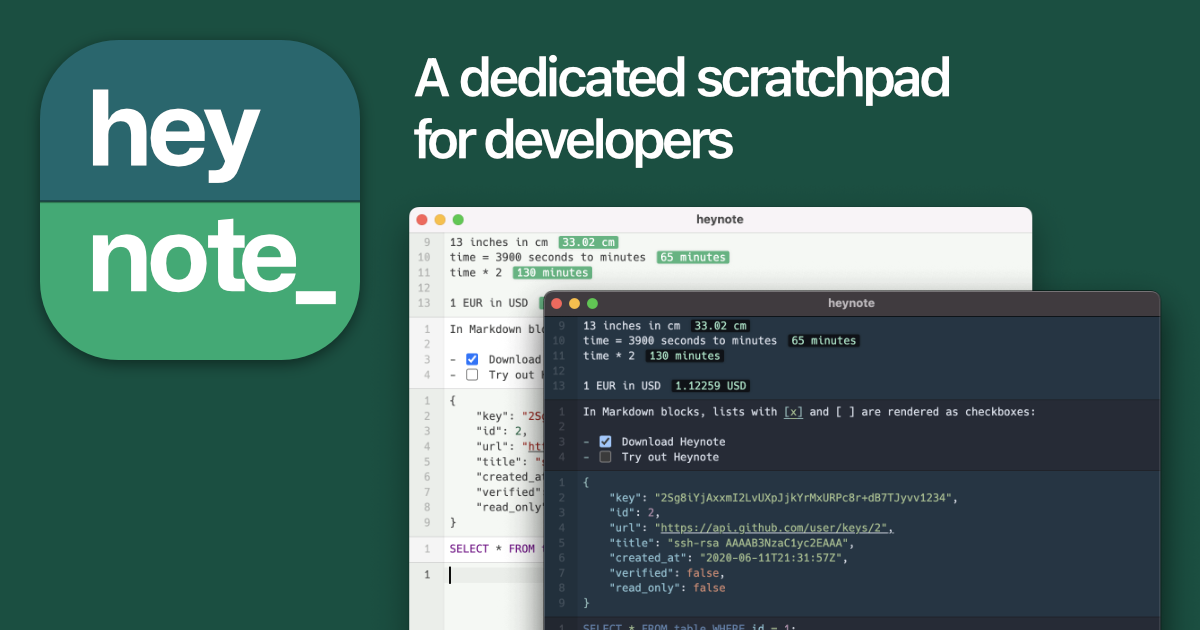
I made Heynote entirely for my own use case. For many years, I always had an Emacs instance running with the scratch buffer open, even long after I had abandoned Emacs as my programming editor in favor of more recent IDE:s.
The simplicity of having just one big scratch buffer appeals to me, but I still want to separate the different things I jot down somehow (without using tabs or similar). Previously, my solution was to insert a bunch of blank lines between the notes, but hitting C-A would still select the entire buffer. That's why I came up with the concept of "blocks", which turned out really well for my use cases.
I decided to release Heynote, thinking it might be useful to others.
Comments (303) 149 threads
Earlier commentsWhy does a scratch pad need to phone home?
For the paranoid it should be simple to fork Heynote and disable currencies and auto updates.
I don't want your app to check for updates, I'll decide if and when I'd like to update it.
It also sucks that you haven't provided an option to disable update checks.
Since I am on linux and your app is distributed as an .AppImage - the binary gets random name on each run, so I can't set a permanent network rule to forbid it connecting to the internet - instead I get prompted every time.
Also, although blocks feature is nice - I still would like to be able to use tabs as well.
Also, I'd like to know where that info is getting stored on FileSystem: it is nice that the app saves it on the go, but I still would like to be able to work with the files directly.
It makes HTTP requests to fetch current exchange rates (for currency conversion) and to check for updates.
> I don't want your app to check for updates, I'll decide if and when I'd like to update it.
It still requires user interaction to actually apply the update.
> I'd like to know where that info is getting stored on FileSystem
See https://github.com/heyman/heynote?tab=readme-ov-file#where-i...
It shouldn't be hard to fork it and disable currencies and auto updates. However, it sounds like Heynote might not be a good fit for you :).
Nice and simple, as a tool like this should be.
A few questions after playing for a few minutes:
* Where are the notes stored?
* Can I delete a block easily?
* After creating an additional cursor (great extra feature btw) how do I stop creating them, and/or remove one I've created?
Great way to make a list. Start with a number, make your list, then use the additional cursor to add in a checkbox.
The whole buffer is stored in a file called buffer.txt located in the user data directory (varies depending on platform, on Mac it's ~/Library/Application Support/Heynote, on Linux ~/.config/Heynote).
> Can I delete a block easily?
I do that by pressing: C-A Backspace Backspace.
> After creating an additional cursor (great extra feature btw) how do I stop creating them, and/or remove one I've created?
Pressing ESC (or C-G in Emacs mode) should remove all extra cursors.
If not, what are you thinking of?
[1](https://www.barebones.com/products/bbedit/index.html)
But good point, I totally forgot about BBEdit
All comments shown.
Couldn't load more comments. Check your connection and try again.