Show HN: Heynote – A dedicated scratchpad for developers (opens in a new tab)heynote.com
1063 pointsHey!
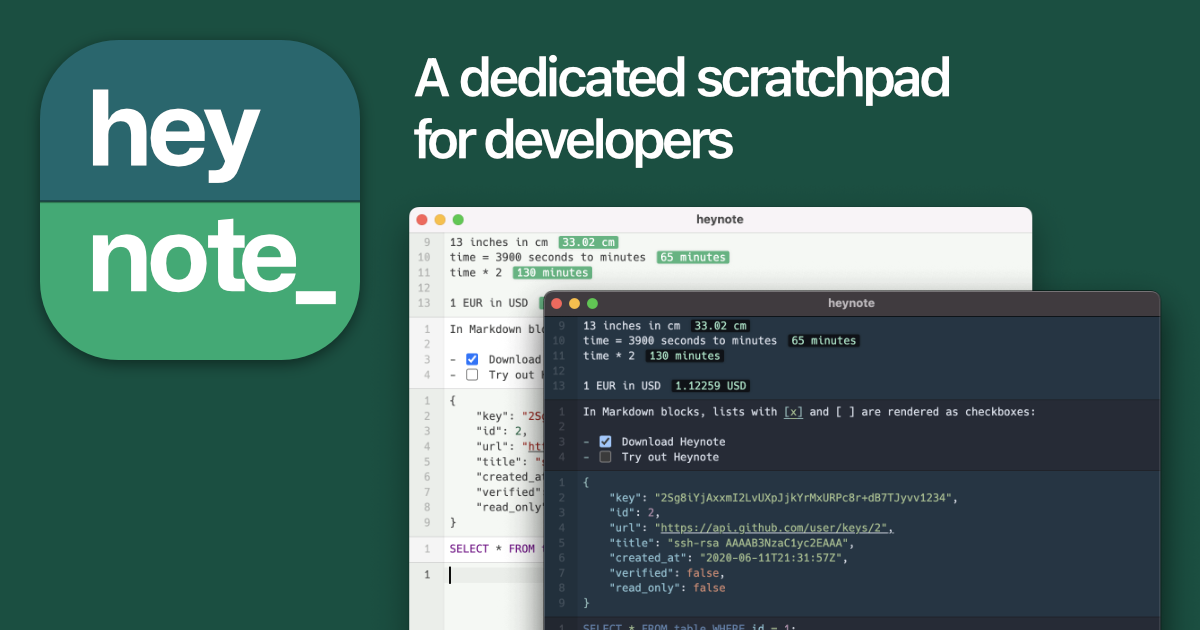
I made Heynote entirely for my own use case. For many years, I always had an Emacs instance running with the scratch buffer open, even long after I had abandoned Emacs as my programming editor in favor of more recent IDE:s.
The simplicity of having just one big scratch buffer appeals to me, but I still want to separate the different things I jot down somehow (without using tabs or similar). Previously, my solution was to insert a bunch of blank lines between the notes, but hitting C-A would still select the entire buffer. That's why I came up with the concept of "blocks", which turned out really well for my use cases.
I decided to release Heynote, thinking it might be useful to others.
Comments (303) 149 threads
Show all comments
Showing thread 23 of 149
Nice and simple, as a tool like this should be.
A few questions after playing for a few minutes:
* Where are the notes stored?
* Can I delete a block easily?
* After creating an additional cursor (great extra feature btw) how do I stop creating them, and/or remove one I've created?
Great way to make a list. Start with a number, make your list, then use the additional cursor to add in a checkbox.
The whole buffer is stored in a file called buffer.txt located in the user data directory (varies depending on platform, on Mac it's ~/Library/Application Support/Heynote, on Linux ~/.config/Heynote).
> Can I delete a block easily?
I do that by pressing: C-A Backspace Backspace.
> After creating an additional cursor (great extra feature btw) how do I stop creating them, and/or remove one I've created?
Pressing ESC (or C-G in Emacs mode) should remove all extra cursors.