Show HN: Heynote – A dedicated scratchpad for developers (opens in a new tab)heynote.com
1063 pointsHey!
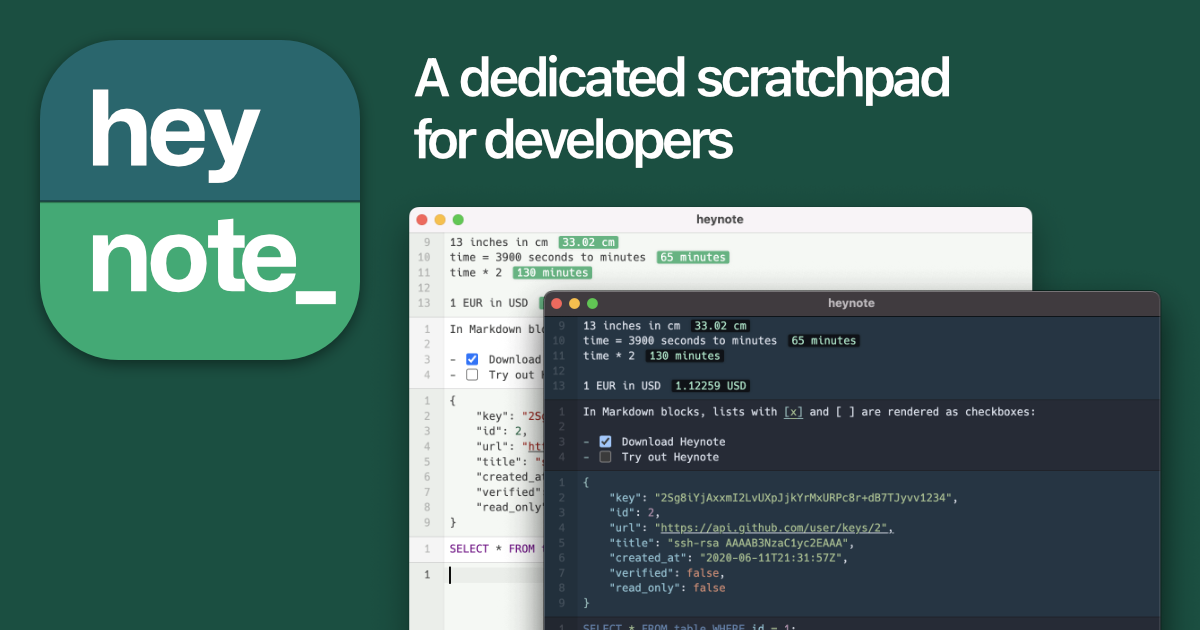
I made Heynote entirely for my own use case. For many years, I always had an Emacs instance running with the scratch buffer open, even long after I had abandoned Emacs as my programming editor in favor of more recent IDE:s.
The simplicity of having just one big scratch buffer appeals to me, but I still want to separate the different things I jot down somehow (without using tabs or similar). Previously, my solution was to insert a bunch of blank lines between the notes, but hitting C-A would still select the entire buffer. That's why I came up with the concept of "blocks", which turned out really well for my use cases.
I decided to release Heynote, thinking it might be useful to others.
Comments (303) 149 threads
Show all comments
Showing thread 60 of 149
I’m not sure whether blocks would be better than just separate files, which can be created quickly using Cmd+N.
However, the lack of syntax highlighting in iA writer has been less than ideal, so I’m definitely trying this out!
- resizing the window creates white borders when the content of the window hasn’t been updated yet to reflect the new window size. these are a bit jarring / look non-native.
- I try to keep electron apps to a minimum, as I’ve had only bad experiences with them so far (Discord, Warp, Unity Hub) and they take up a lot of resources.
- While writing code, it does not keep indentation when entering a closing bracket.
These are more nitpicks, but I love the concept :) Great work!