Show HN: Heynote – A dedicated scratchpad for developers (opens in a new tab)heynote.com
1063 pointsHey!
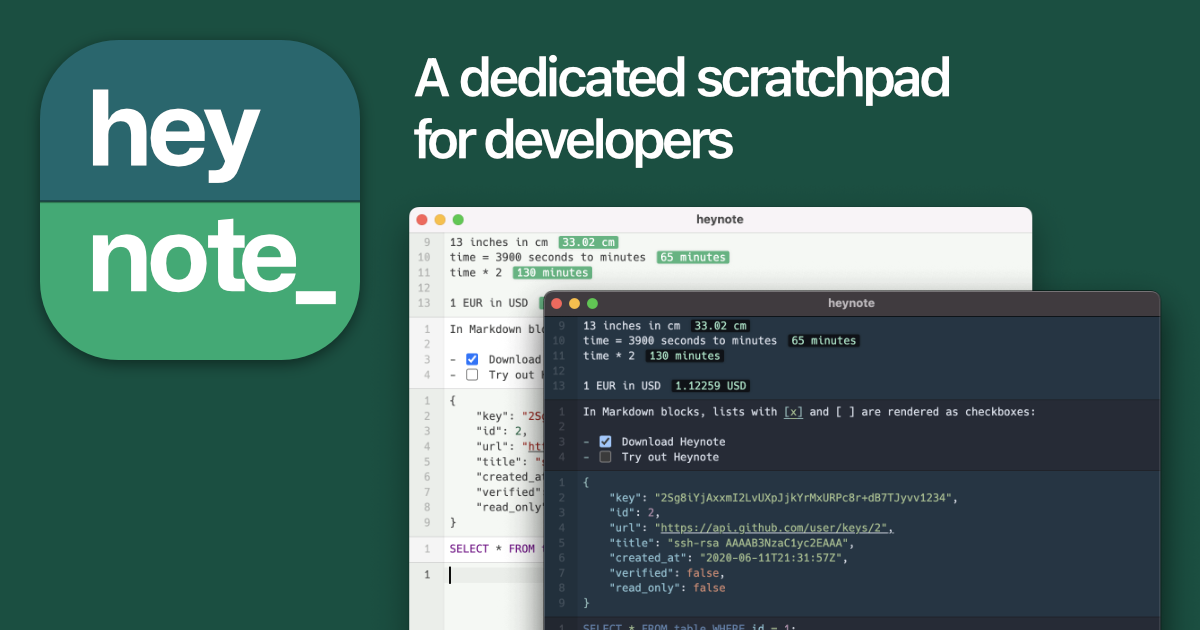
I made Heynote entirely for my own use case. For many years, I always had an Emacs instance running with the scratch buffer open, even long after I had abandoned Emacs as my programming editor in favor of more recent IDE:s.
The simplicity of having just one big scratch buffer appeals to me, but I still want to separate the different things I jot down somehow (without using tabs or similar). Previously, my solution was to insert a bunch of blank lines between the notes, but hitting C-A would still select the entire buffer. That's why I came up with the concept of "blocks", which turned out really well for my use cases.
I decided to release Heynote, thinking it might be useful to others.
Comments (303) 149 threads
Show all comments
Showing thread 43 of 149