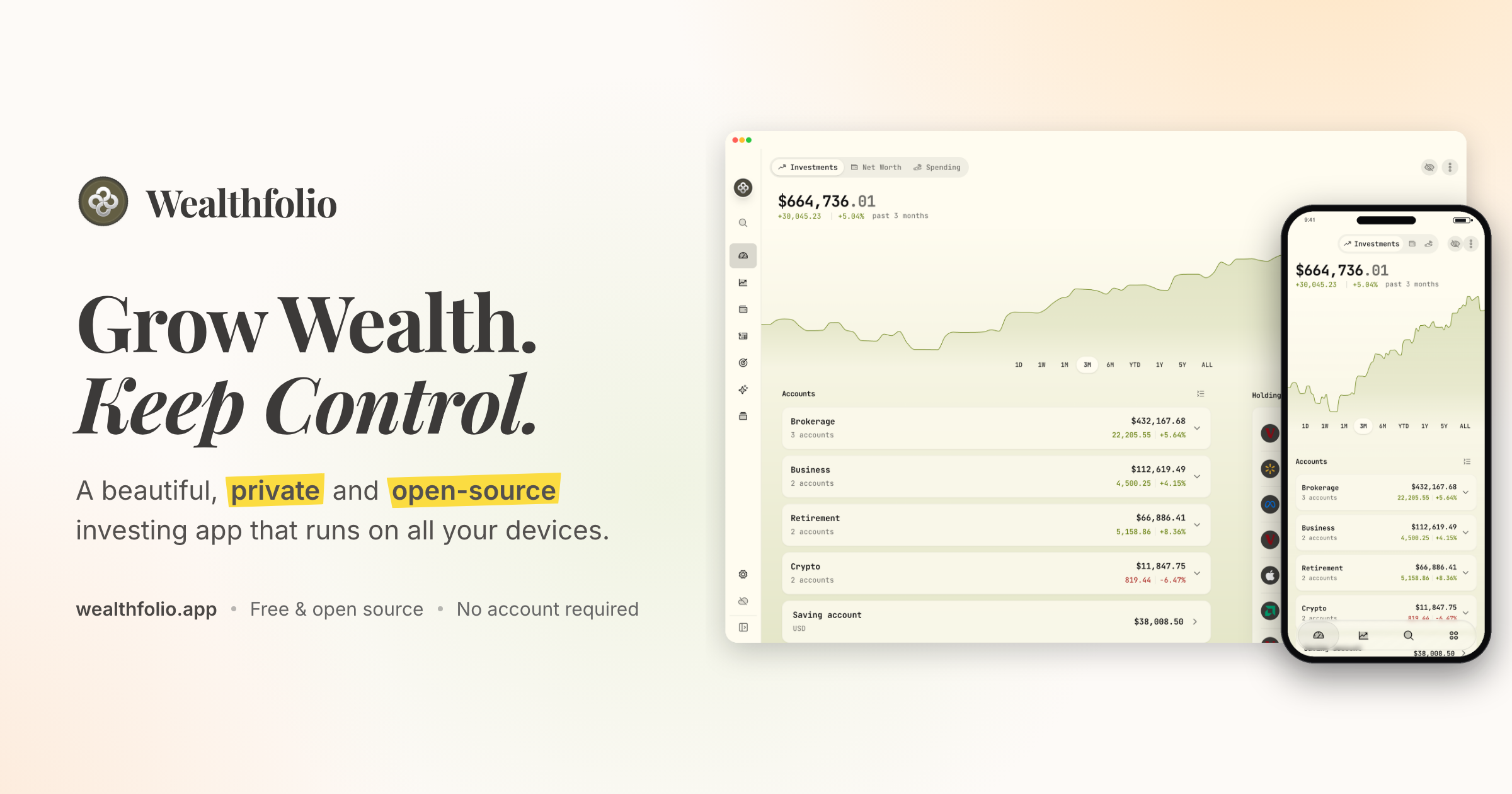
Show HN: Wealthfolio: Private, open-source investment tracker (opens in a new tab)wealthfolio.app
924 pointsThank you for your comments, just some context:
- The app is a simple desktop application that works on macOS, Windows, and Ubuntu.
- I developed this app for my own needs. Getting tired of SaaS app subscriptions and privacy concerns.
- For now, the activities are logged manually or imported from a CSV file. No integration with Plaid or other platforms.
- No monetization is planned for now (only a "buy me a coffee" if you use and appreciate the app).
Comments (263) 80 threads
Show all comments
Showing thread 72 of 80
This is what we need more often from our software, especially from software that works with sensitive data. I do typically want sync options though since I tend to use several different devices and it sucks not being able to reference information on the go from my phone. Sync options can include locally/self hosted options or use something like iCloud that don't depend on a software vendor's running a service though.
Don't most sync options depend on a software vendor running a service? (Your VPS hosting company, your SaaS handling cross-device syncing, your cloud provider, et cetera.)
Storing sensitive data in local storage makes you vulnerable to XSS attacks and Man-in-the-Browser attacks. You're exposing your sensitive data to an attacker that injects a script to the website and to malicious browser extensions. All sensitive data stored in local storage must be encrypted using a key stored in the server or somewhere on your hard disk. Otherwise, you're not reducing your risk, but substituting one type of information disclosure vulnerability with another.
The app in question runs locally and only with trusted code. How is the attacker supposed to get in there to place the XSS or even do a MITM attack when there is no exposed website at all? Neither are there browser extensions involved here.
> All sensitive data stored in local storage must be encrypted using a key stored in the server
Huh? Please don't do this, especially not for "local first" applications, would defeat the entire purpose.
That's a big assumption. Have you read all the code, and the dependencies of the dependencies of your code? If you haven't, how do you know it can be trusted? What if there is a backdoor in an obscure dependency that can inject a script into your website to steal your sensitive data? Don't laugh it off. When there is money on the line, someone is going to try it.
> Neither are there browser extensions involved here.
What about the extensions you installed in your browser? What about the user scripts (if you use them)?
> Huh? Please don't do this, especially not for "local first" applications, would defeat the entire purpose.
Why not? Why do you want a local first app in the first place? What's the purpose of a local first app, if not security?
It's not a website, it doesn't run in your normal browser. It runs as a standalone application.
> Why not? Why do you want a local first app in the first place? What's the purpose of a local first app, if not security?
Because as soon as those keys aren't available (either because the endpoint no longer exists, or you cannot connect to the endpoint for whatever reason (like being offline)), you can no longer access your data.
That isn't "local first" at all, it's something else entirely.
The encryption key doesn't have to be stored in the cloud. It just has to be stored somewhere else -- it could be in the file system.
> It's not a website, it doesn't run in your normal browser. It runs as a standalone application.
Even if it's a standalone application, it doesn't mean the code can be entirely trusted. I wouldn't take that risk.
Right, makes sense. I was saying to not store it in the cloud, specifically. Encrypt local data at rest, makes sense. Storing encryption keys for said content somewhere where you need internet access to get, doesn't make much sense.
> Even if it's a standalone application, it doesn't mean the code can be entirely trusted. I wouldn't take that risk.
"Trusted" here refers to "not user provided inputs" that SaaS/website usually does somewhere. Obviously, there is code somewhere that you haven't read and verified, that's true for literally everyone using a computer today, no one has read and verified all the code they've run, we'd get nothing done if that was common practice.
Just for curiosities sake, what OS you use and how much of your software you use daily have you read through the source code of?
Very few. It depends on the data I need to store in the program. I don't store sensitive data in Figma or VSCode, so I don't really care if they don't encrypt my data in local storage. But if I'm in the market for something that offers to manage my sensitive financial data, then yes, I want to dig into its dependencies and security strategy first.