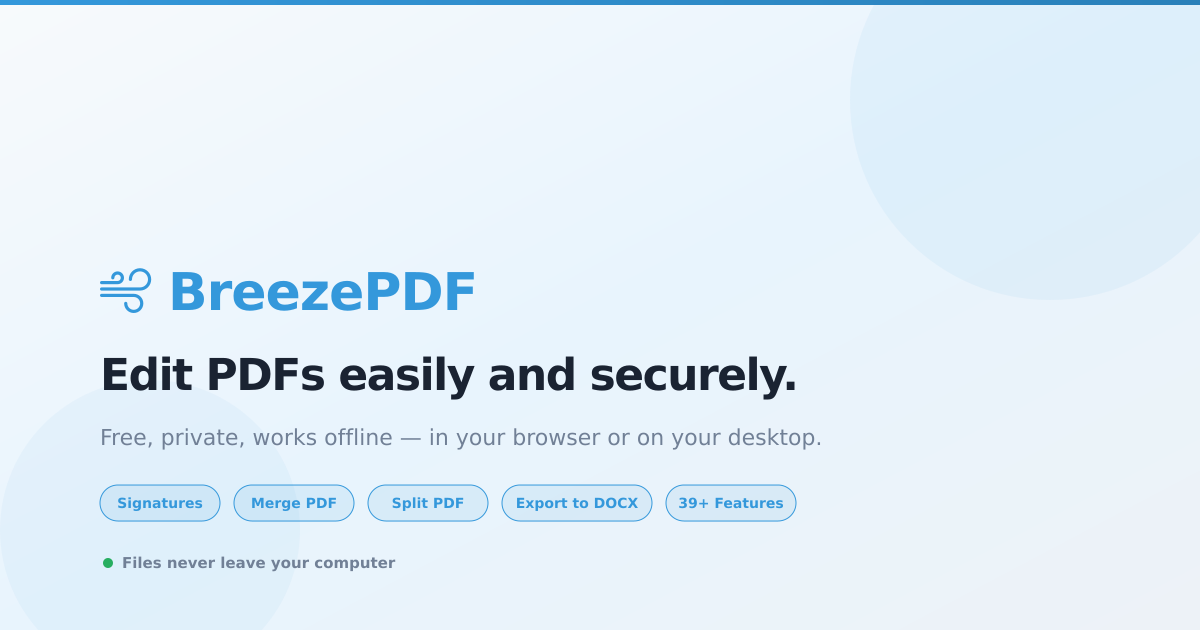
Add text, input boxes, pictures, signatures, delete pages, merge PDFs and password protect them. All happening in the browser, 100% free and no sign-up.
Is this open source? I think the world could use a good free and open 'utility' app for PDFs. Its hard to do digital business these days without even moderate features needed in PDF editing without paying Adobe or non-free online services - JUST TO EDIT A DOCUMENT.
It's not open source at the moment, but I would consider it. Just have to think through it as once you go open-source it doesn't go over too well to go back. So, if I want to open source it, I want to be sure.
I'm sure some might like to modify it, though I think probably most people aren't developers and wouldn't want to. There's no VCs or anything behind this, just me, and my costs are just a VPS to render the page, and all processing happens on the local device. So I have no reason to change any currently free features to ever not be free.
> It's not open source at the moment, but I would consider it. Just have to think through it as once you go open-source it doesn't go over too well to go back. So, if I want to open source it, I want to be sure.
It's hard to trust your site's promise of "No uploads, 100% privacy guaranteed" when people can't audit the code.
Comments (182) 50 threads
Show all comments
Showing thread 16 of 50
I'm sure some might like to modify it, though I think probably most people aren't developers and wouldn't want to.
There's no VCs or anything behind this, just me, and my costs are just a VPS to render the page, and all processing happens on the local device. So I have no reason to change any currently free features to ever not be free.
It's hard to trust your site's promise of "No uploads, 100% privacy guaranteed" when people can't audit the code.