Show HN: I wrote a modern Command Line Handbook (opens in a new tab)commandline.stribny.name
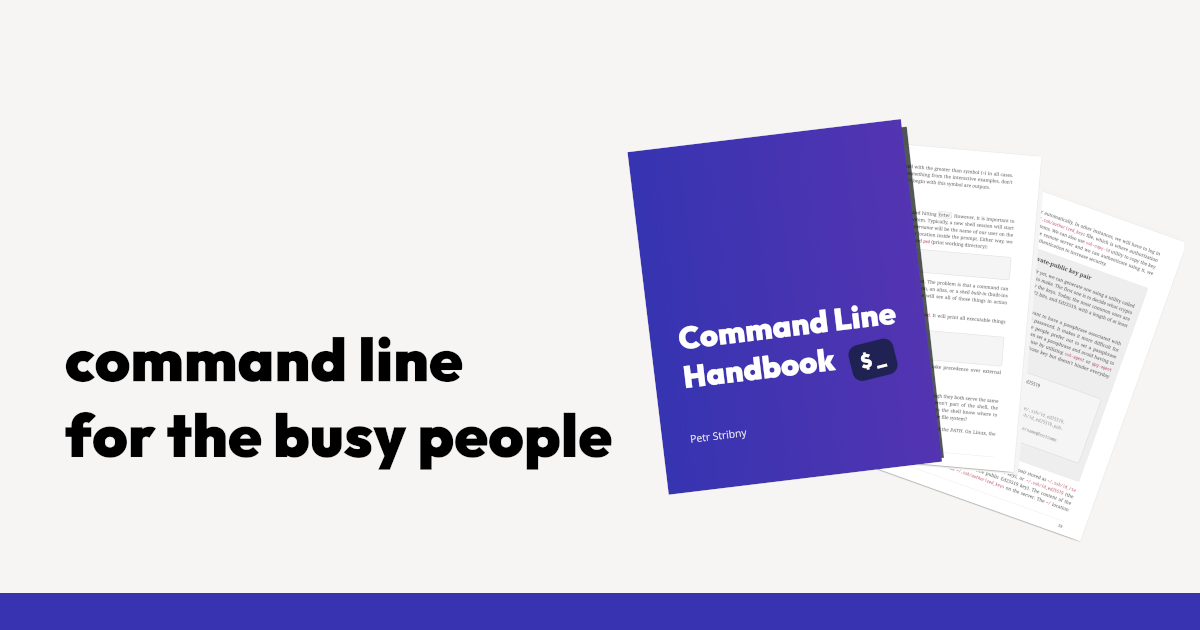
454 pointsA few years back I wrote an ebook about the Linux command line. Instead of focusing on a specific shell, paraphrasing manual pages, or providing long repetitive explanations, the idea was to create a modern guide that would help readers to understand the command line in the practical sense, cover the most common things people use the command line for, and do so without wasting the readers' time.
The book contains material on terminals, shells (compatible with both Bash and Zsh), configuration, command line programs for typical use cases, shell scripting, and many tips and tricks to make working on the command line more convenient. I still consider it "an introduction" and it is not necessarily a book for the HN crowd that lives in the terminal, but I believe that the book will easily cover 80 % of the things most people want or need to do in the terminal.
I made a couple of updates to the book over the years and just finished a significant one for 2025. The book is not perfect. I still see a lot of room for improvement, but I think it is good enough and I truly want to share it with everyone. Hence, pay what you want.
EXAMPLE PAGES: https://drive.google.com/file/d/1PkUcLv83Ib6nKYF88n3OBqeeVff...
https://commandline.stribny.name/
Comments (109) 30 threads
Earlier comments* Code blocks on a subsequent page to the explanation, especially when there is enough space to show it (p18/19)
* Call-outs as above (p26/27)
* Single words broken by a page (p51/52)
* Footers spanning multiple pages (p61/62)
It sounds quite nitpickey but I find it really breaks the flow when I’m reading, and trying to comprehend a section requires scrolling back and forth between two pages.
I agree and I try to keep it as nice as I can, but it can be hard to do when the book is being updated and the content changes.
Nevertheless I will be mindful of it for the next update.
I'm teaching a class next year that'll have college-level students learning to use the command line and this looks perfect. Nowadays most 'learn the shell' resources online seem to focus on how to write scripts, without explaining how to use it interactively. Given this will be (for many) their first experience with a command line stuff like "type your command, then press enter", or "Up arrow to go back through your history" are a necessary foundation for them. Not to mention stuff like Job Control and using AI to help you create the more complicated commands that folks need to do - nicely done!
Plus, the book is inexpensive enough that they can still afford other resources too :)
Definitely gonna recommend this next year :)
All comments shown.
Couldn't load more comments. Check your connection and try again.