Lurker News
I wanted to find a way to use Instagram without ending up scrolling for two hours every time I open the app to see a friend's story.

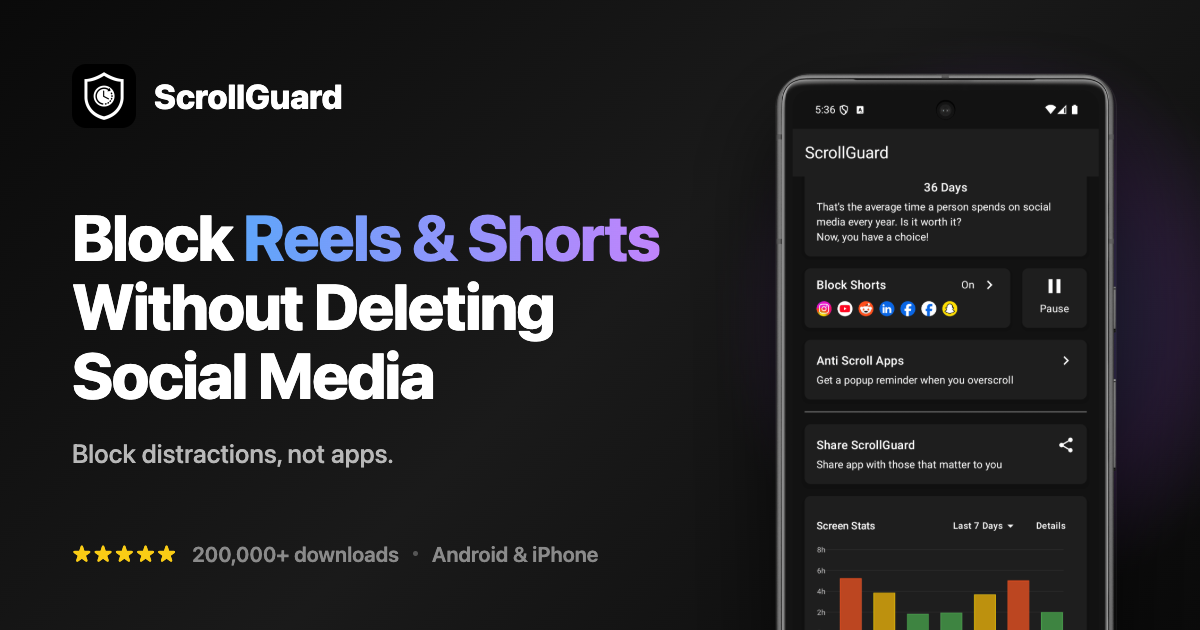
Most screen time apps I found focus on blocking the app itself instead of the addictive feed, so I created this app to allow me to keep using the "healthy" and "social" features and block the infinite scrolling (Reels)
After implementing the block on Instagram Reels, I got addicted to YouTube Shorts and Reddit feed. So, I extended the app to cover these as well.
To avoid replacing the scrolling for regular feeds, I also added a feature that shows a pop-up when I'm overscrolling in any app. It forces me to stop and think for a minute before I continue scrolling.
I built it on Android Studio, using Kotlin and Jetpack Compose for the UI. I use the Accessibility Service to detect scrolls and navigate out of them. Unfortunately, this only works for Android. There is no way (as far as I know) to do this on iOS.
I'd love to hear your thoughts
Comments (305) 90 threads

Earlier comments
akomtu#
Reels and Shorts derive their power from the fact that we pay higher attention to motion than to colors or shape. Blinking colors attract attention for the same reason. This observation makes it easy to neuter them: reduce framerate from 120 fps to 1 fps unless a touch is detected. This way scrolling will keep working as usual and videos can be watched if you keep pressing the screen, but the unwanted guests that abuse our attention will be left in the dust with 1 fps. Great for battery life too.
zer0zzz#
I the one reason I use iOS is the built in chat is pretty good and has most all my friends and family and so between that and many of the other built in apps I can avoid needing so many third party apps.

So my scrolling fixation is mostly limited to the browser. One nice thing about meta is they ALL of their mobile webapps are terrible so they don’t get me, but YouTube shorts does very often. I wish there was a good way to block all shorts on YouTube through the browser.

ugh1231 reply#
I would love to be able to do this at the router level (to block on all my kid's devices). and/or block just youtube traffic (via app, websites, etc)
adrianhacar1 reply#
This might be useful for you: https://pi-hole.net/. You can set your own DNS server at home and block specific domains
internet_points#
it's kind of either-or though, I don't think you can block only suggested crap without blocking your friends' posts (and without blocking the ability for yourself to use IG for journalling or whatever)
jakobedding#
Shameless plug: I wrote a user script a while ago that removes everything from the Instagram explore tab when using Instagram in the browser. Confirmed to work on iOS Safari. Requires an app to handle user scripts (e.g. "Userscripts" by Justin Wasack).

https://gist.github.com/jkbe/f362514f99765ac7a9dc343acfe6918...

Load more comments