Lurker News
I wanted to find a way to use Instagram without ending up scrolling for two hours every time I open the app to see a friend's story.

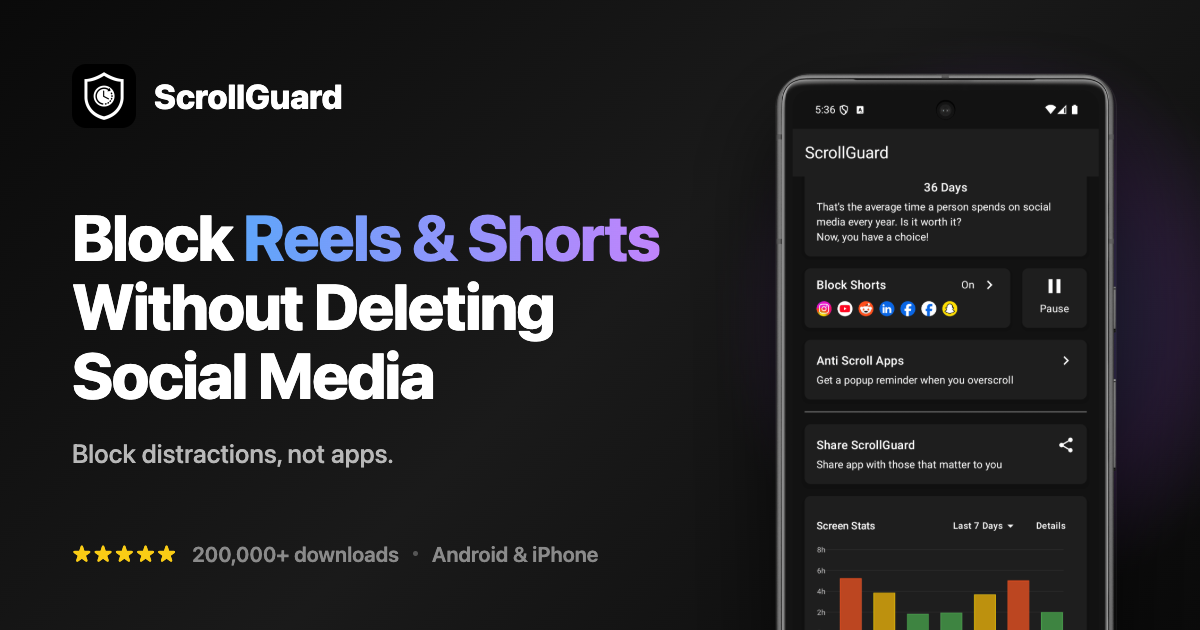
Most screen time apps I found focus on blocking the app itself instead of the addictive feed, so I created this app to allow me to keep using the "healthy" and "social" features and block the infinite scrolling (Reels)
After implementing the block on Instagram Reels, I got addicted to YouTube Shorts and Reddit feed. So, I extended the app to cover these as well.
To avoid replacing the scrolling for regular feeds, I also added a feature that shows a pop-up when I'm overscrolling in any app. It forces me to stop and think for a minute before I continue scrolling.
I built it on Android Studio, using Kotlin and Jetpack Compose for the UI. I use the Accessibility Service to detect scrolls and navigate out of them. Unfortunately, this only works for Android. There is no way (as far as I know) to do this on iOS.
I'd love to hear your thoughts
Comments (305) 90 threads

Show all comments

Showing thread 10 of 90

pwdisswordfishz2 replies#
> I wanted to find a way to use Instagram without ending up scrolling for two hours every time I open the app to see a friend's story.

Why not just Chrome/Firefox/Safari to open the link instead of the Instagram app?

semitones4 replies#
I deleted the YouTube and Instagram apps and I still end up scrolling / watching shorts - it doesn't matter, browser still lets you scroll
pwdisswordfishz#
Even if you're not logged in? Instagram barely even wants to let me look at the main photo/video of interest without an account.
roywiggins#
I use Unhook in Firefox on Android to eradicate Shorts from my YouTube experience, it works very well.
eloisius#
I deleted the apps too, but unfortunately I still like to use Instagram to follow photographers I'm interested in. These uBlock Origin filter rules have made it usable without being a black hole for my attention:

    www.instagram.com##article:has( > div > div > span:has-text(Suggested for you)):style(opacity: 0% !important;)
    www.instagram.com##div:has(> span > div > a[href="/explore/"])
    www.instagram.com##div:has(> span > div > a[href="/reels/"])
timeon#
What helped me, was deleting account as well. The site has different purpose than when I've registered anyway.
neither_color#
One problem I have with all these self control style apps is that they only let you set total per day hourly limits. My intuition is that if you give yourself a two hour, one hour, even 30 minute limit per day you're still liable to drift into zombie mode and are more likely to want to unblock after that long brain rot session. My ideal blocking app wouldn't restrict your total per day, instead the key feature would be that you can only scroll for 5-10 minutes at a time with a cooling off period. That is, if you scroll for 5 minutes you then have to wait X minutes before you can scroll again. I think this should have a strong c-c-c-c-ombo breaker effect without giving you enough time to get hooked so badly that you immediately want to bypass it.