Show HN: I built an app to block Shorts and Reels (opens in a new tab)scrollguard.app
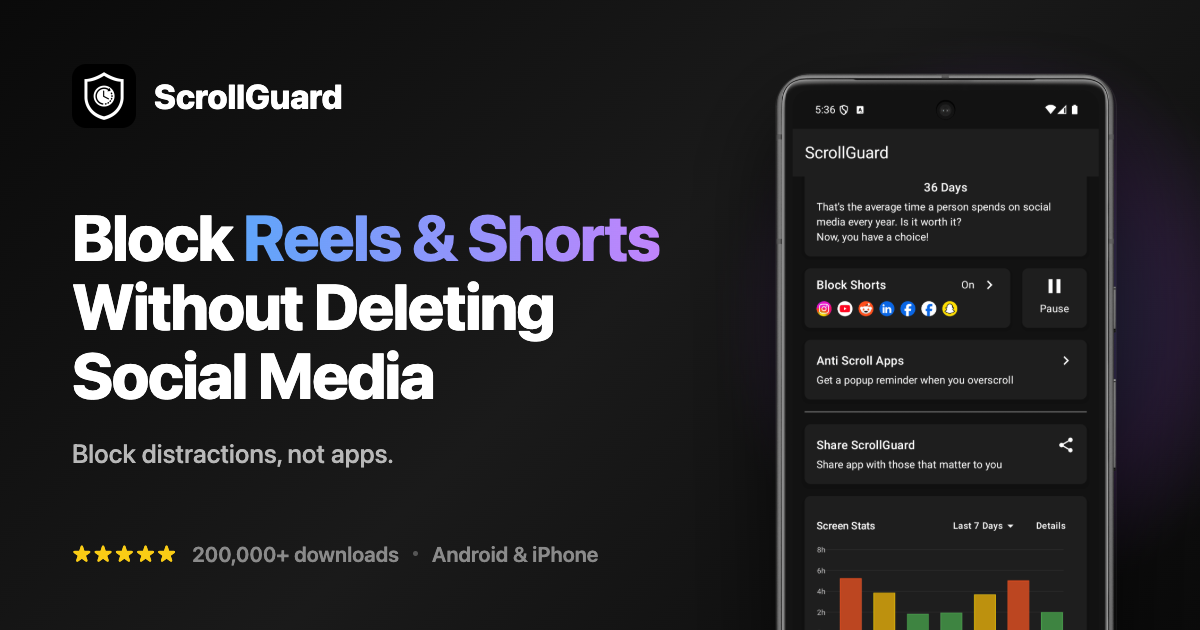
690 pointsMost screen time apps I found focus on blocking the app itself instead of the addictive feed, so I created this app to allow me to keep using the "healthy" and "social" features and block the infinite scrolling (Reels)
After implementing the block on Instagram Reels, I got addicted to YouTube Shorts and Reddit feed. So, I extended the app to cover these as well.
To avoid replacing the scrolling for regular feeds, I also added a feature that shows a pop-up when I'm overscrolling in any app. It forces me to stop and think for a minute before I continue scrolling.
I built it on Android Studio, using Kotlin and Jetpack Compose for the UI. I use the Accessibility Service to detect scrolls and navigate out of them. Unfortunately, this only works for Android. There is no way (as far as I know) to do this on iOS.
I'd love to hear your thoughts
Comments (305) 90 threads
Show all comments
Showing thread 21 of 90