Show HN: Wealthfolio 2.0- Open source investment tracker. Now Mobile and Docker (opens in a new tab)wealthfolio.app
676 pointsHi HN, creator of Wealthfolio here.
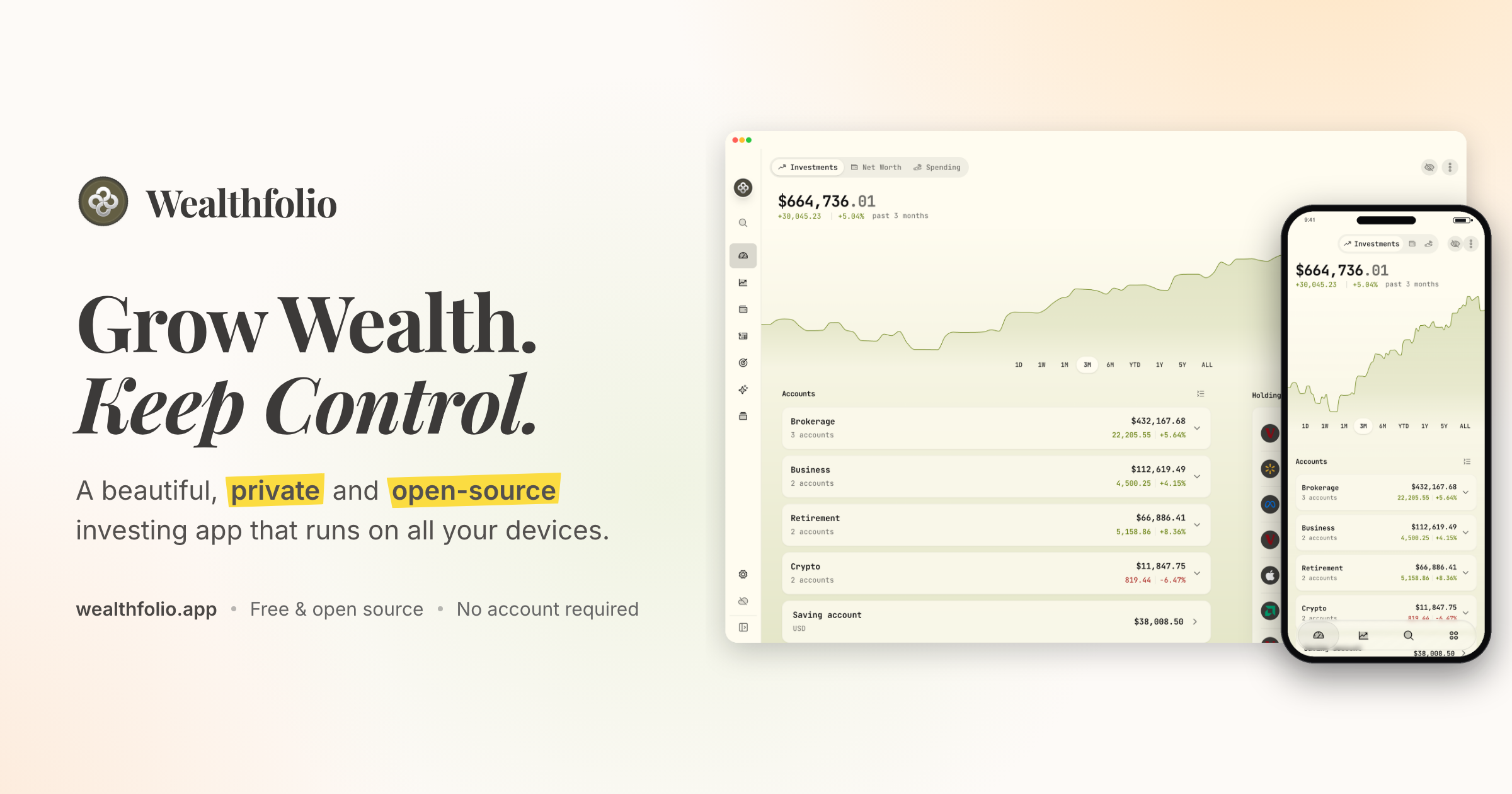
A year ago, I posted the first version. Since then, the app has matured significantly with two major updates:
1. Multi-platform Support:
Now available on Mobile (iOS), Desktop (macOS, Windows, Linux), and as a Self-hosted Docker image.
(Android coming soon).
2. Addons System:
We added explicit support for extensions so you can hack around, vibe code your own integrations, and customize the app to fit your needs.
The core philosophy remains the same: Always private, transparent, and open source.
Comments (215) 59 threads
Earlier commentsThis is unfortunately going to be the deal breaker for wide adoption. Self hosting is great, but manually importing data from dozens of accounts every day and entering every single transaction as you make it is simply too much of a burden.
I'm also experimenting with local llm models to parse files and statement and call the app tools to feed data.
https://www.google.com/search?q=site%3Awealthfolio.app+map+p...
Would be happy to contribute profiles.
In a year when I consolidated a bunch of accounts, I’ve found essentially no program regardless of off or online that’s able to build a global view.
It’s a pretty classic data problem—-heterogeneous data sources, entity resolution, etc. Should be amenable to a ml solution.
Used to be, you'd use what Quicken calls "direct connect" where the client software itself connects to your bank's servers and pulls down your transactions and balances. They also had this "quicken connect" where the client software connects to Quicken servers, who, in turn, contact your bank--making Intuit an unwanted middleman. Slowly, but consistently, Quicken has been dropping "direct connect" support and coercing their users to go the middleman route.
I, too, have been looking for an alternative to Quicken, but: 1. I don't want to have to go to each bank's crappy web site and download a crappy CSV to import, and 2. I also don't want the software developer inserting itself into what should be a data transfer between me and my bank.
The Holy Grail personal finance software would 1. be free and open source, 2. download data directly from financial institutions without CSVs or a middleman and 3. store the data in an open format like sqlite that I can query and manipulate outside of the application.
I end up saving CSV's locally and importing the transactions from there (no hand entry, but I still need the intermediate download step.) I don't find it that too burdensome since I don't have a zillion different accounts.
[This](https://reds-rants.netlify.app/personal-finance/the-five-min...) project (I am not affiliated in any way) claims to automate ledger update even further.
Continue this thread — 1 reply
So the holy grail is really "Banks must be required to provide all customer info in a machine-readable format, via a programmable API, directly to their customers." :-)
Continue this thread — 2 replies
1. https://finance-quote.sourceforge.net/
I haven't researched much on Robinhood or Coinbase but I suspect they have much better APIs. That's an idea where a plugin system would be awesome, something like Plaid but for brokerages and Crypto exchanges only.
Just downloaded it on Windows 10, but unfortunately the modals (add account etc) aren't scrollable and cutoff the bottom of my screen, making them pretty much unusable (can't submit!)
Is there more detailed documentation available? A few troubles I've run into:
- Having trouble with stock splits -- Schwab simply reports the added shares, not the split ratio, so I can't do it via csv import
- Separate but probably related, if I add some shares back in 2022 (e.g. SWPPX, a SP500 index), the "performance" shows essentially immediate -90% return. I suspect this is also related to splits; possibly Yahoo finance retroactively applies the future split quantity on historic quotes. Edit: figured this out, I'm responsible for entering any splits across the history, it seems
- How do you designate the counter-account for transfer-in / transfer-out transactions?
- Schwab does some funny business with date strings occasionally ("03/16/2022 as of 03/15/2022"); not your problem per se, but interpreting either presented date would be better than quietly defaulting to 1970
- In the activities tab, I can only reverse date order in list view, but not grid view
- As a wishlist item.. default csv import settings for major brokerages would be great, considering this is in principle how you're expecting users to repeatedly interact with the software
- Maybe I'm missing it, but is there a simple way to see the list of accounts you've created? This would seem like a very basic feature. Edit: okay, I see them in dashboard, but can't add them there. Would seem like an appropriate nav column entry.
I don't mind dumping in a few csv every month to update, but having to manually fix my csvs before upload adds a lot of effort.
Can it do that for Mutual funds in like retirement accounts?
Context: I want to implement my own portfolio using some weights on a basket of ETFs. The ETFs are selected by country/geography(e.g. ex-US or US or world) and then type(small, mid, large) and then finally by income strategy(growth, value, fixed, defined outcome etc) based on expected returns.
Free to try. Shoot us an email if you want a demo.
I currently do a quarterly financial review. I document the balances from all of my accounts.
In addition to buy/sell/deposit/withdrawl, could Wealthfolio have an option to just add a balance. I suppose In the meantime, I'll make do with deposits and withdrawals.
Last, could you make it a little easier to find to donate button? Or possible at all? Now that I have the app open, I can't find where to send a one time payment.
All comments shown.
Couldn't load more comments. Check your connection and try again.