Show HN: Picknplace.js, an alternative to drag-and-drop (opens in a new tab)jgthms.com
455 pointsI find that the drag and drop experience can quickly become a nightmare, especially on mobile.
To tap, hold, drag, and scroll, all at the same time, is both difficult to achieve, and prone to errors.
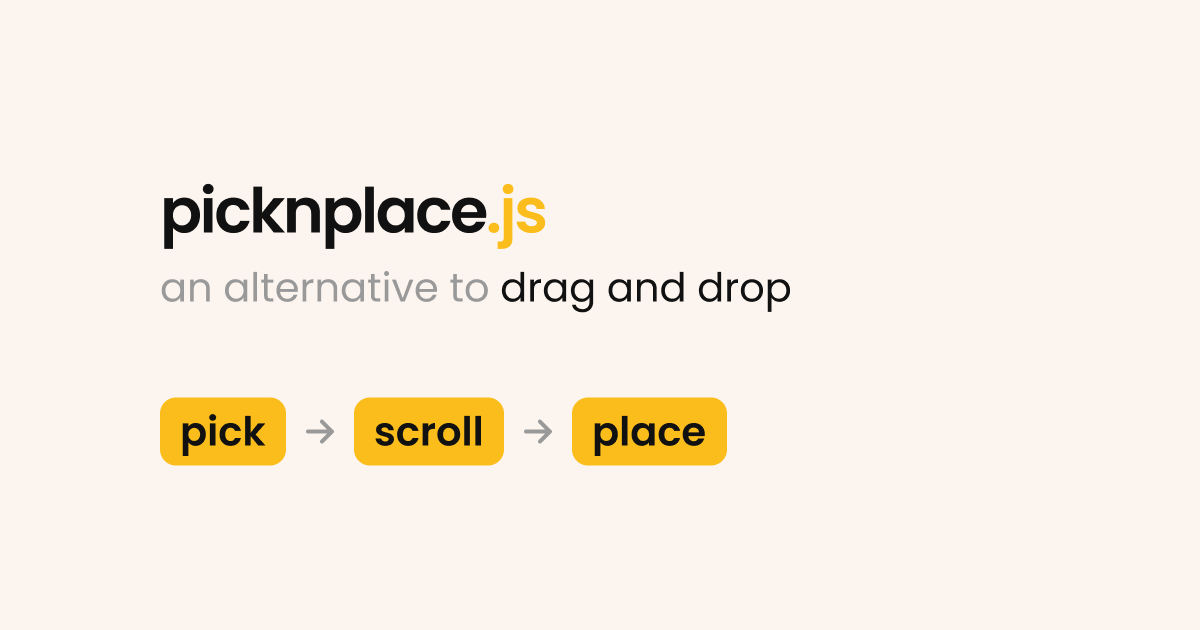
I've always had in mind this 2-step approach, where picking an element and placing it were two separate steps.
So I implemented this basic version to showcase my idea.
While it might take more time than a regular drag and drop, the benefit is for people who struggle with holding down the mouse button. With picknplace.js, you only need two clicks and some scrolling.
This solution is meant as an experiment, so I'm open to discussion.
Comments (152) 101 threads
Show all comments
Showing thread 7 of 101
At that time I switched from MS-DOS environment to Windows 98. And as I was trying new UI features, I found drag-and-drop incredibly annoying. Especially if you do it between different windows, it requires a lot of movements, etc.
I had an idea that going further into skeuomorphism can make things better, so I started experimenting with 3D UI, particularly, a file manager with 3D UI. And as an alternative to drag-and-drop I designed pick-and-put.
It's actually very simple: right mouse button picks up an object and you get a symbol of that object next to the cursor. Then a click onto empty space puts it there. Or you can click a copy button which would copy it, etc.
I think it could work really well if we got a convention that some mouse button always picks an object. But we don't.
I don't think there's a way to make it works in the same way on desktop and mobile in a way which would be good. On desktop you have a mouse pointer, and you can easily represent point of insertion.
For mobile you came up with this scroll trick, but I think many people would find it unintuitive and annoying - especially on desktop.