Show HN: Picknplace.js, an alternative to drag-and-drop (opens in a new tab)jgthms.com
455 pointsI find that the drag and drop experience can quickly become a nightmare, especially on mobile.
To tap, hold, drag, and scroll, all at the same time, is both difficult to achieve, and prone to errors.
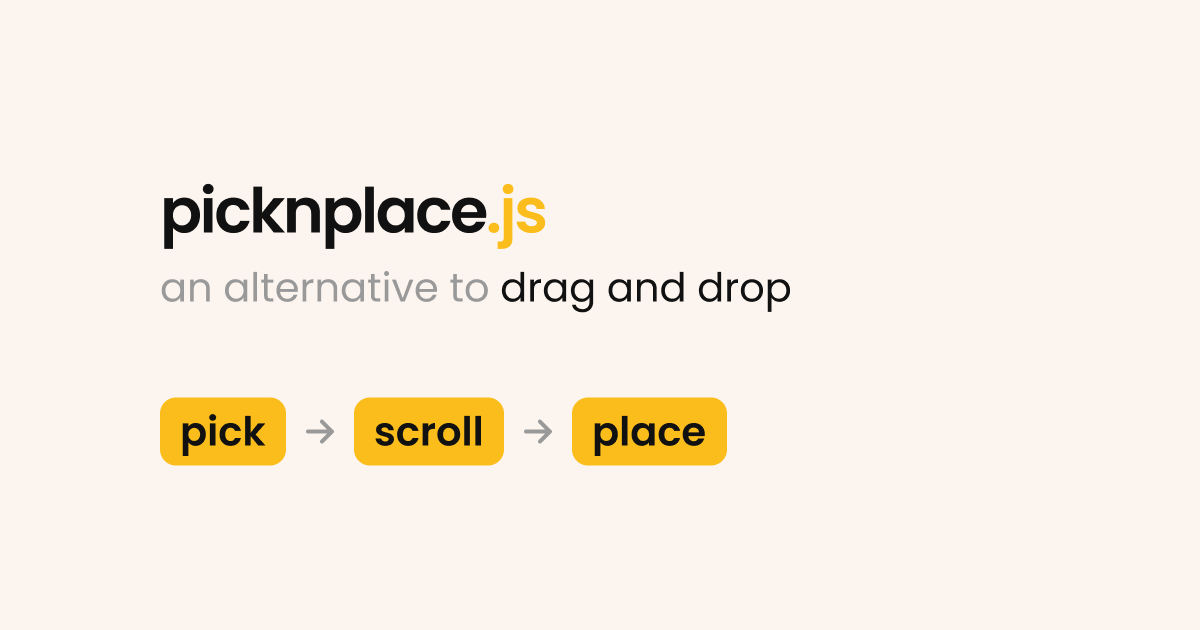
I've always had in mind this 2-step approach, where picking an element and placing it were two separate steps.
So I implemented this basic version to showcase my idea.
While it might take more time than a regular drag and drop, the benefit is for people who struggle with holding down the mouse button. With picknplace.js, you only need two clicks and some scrolling.
This solution is meant as an experiment, so I'm open to discussion.
Comments (152) 101 threads
Show all comments
Showing thread 4 of 101
1. It will be more intuitive if you can long press or click on the item rather than have to click the "pick" link. That behavior is too deeply ingrained from drag and drop at this point.
2. It would help to show place locations where it will be inserted between objects. I found myself instinctively scrolling up and down to line it up perfectly because it just didnt feel likely to succeed if it wasnt properly placed in the middle, and the absence of visual cues make it seem like I needed to me more accurate with my placement.
Overall cool concept and good work. Keep it up.