Show HN: Picknplace.js, an alternative to drag-and-drop (opens in a new tab)jgthms.com
455 pointsI find that the drag and drop experience can quickly become a nightmare, especially on mobile.
To tap, hold, drag, and scroll, all at the same time, is both difficult to achieve, and prone to errors.
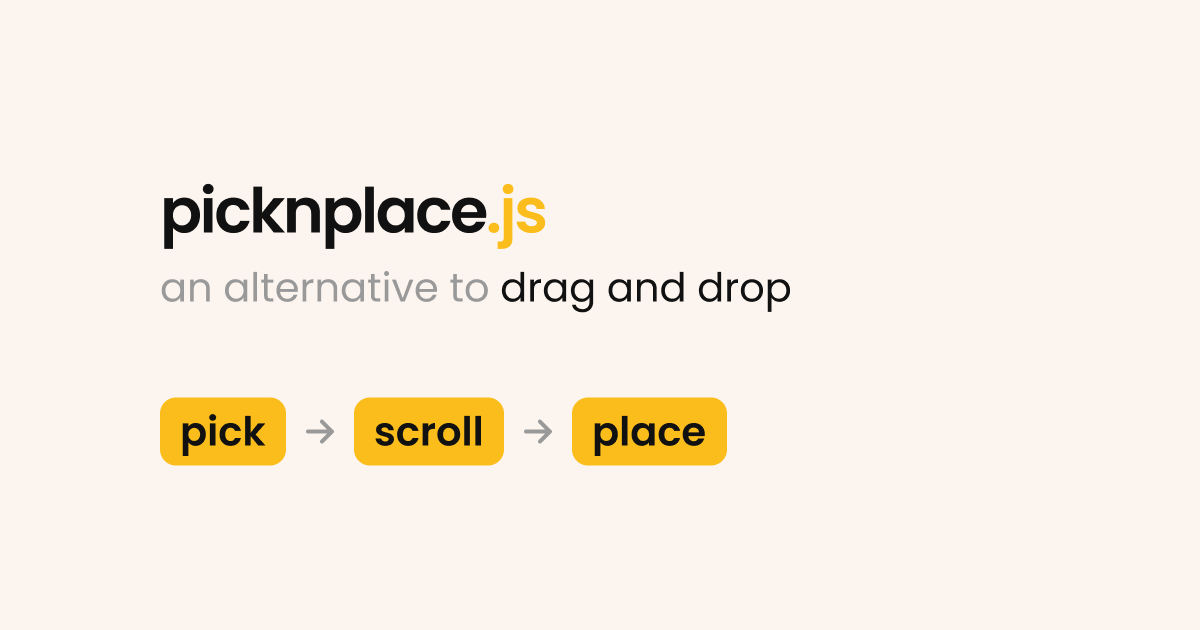
I've always had in mind this 2-step approach, where picking an element and placing it were two separate steps.
So I implemented this basic version to showcase my idea.
While it might take more time than a regular drag and drop, the benefit is for people who struggle with holding down the mouse button. With picknplace.js, you only need two clicks and some scrolling.
This solution is meant as an experiment, so I'm open to discussion.
Comments (152) 101 threads
Show all comments
Showing thread 55 of 101
if the tool i'm using has this option, i will use it and love it:
that's from maim, idk what else does it, but i prefer "nodrag" to "drag-and-drop" or "drag-and-release"picknplace reminded me of it