Show HN: Channel Surfer – Watch YouTube like it’s cable TV (opens in a new tab)channelsurfer.tv
604 pointsI know, it's a very first-world problem. But in my house, we have a hard time deciding what to watch. Too many options!
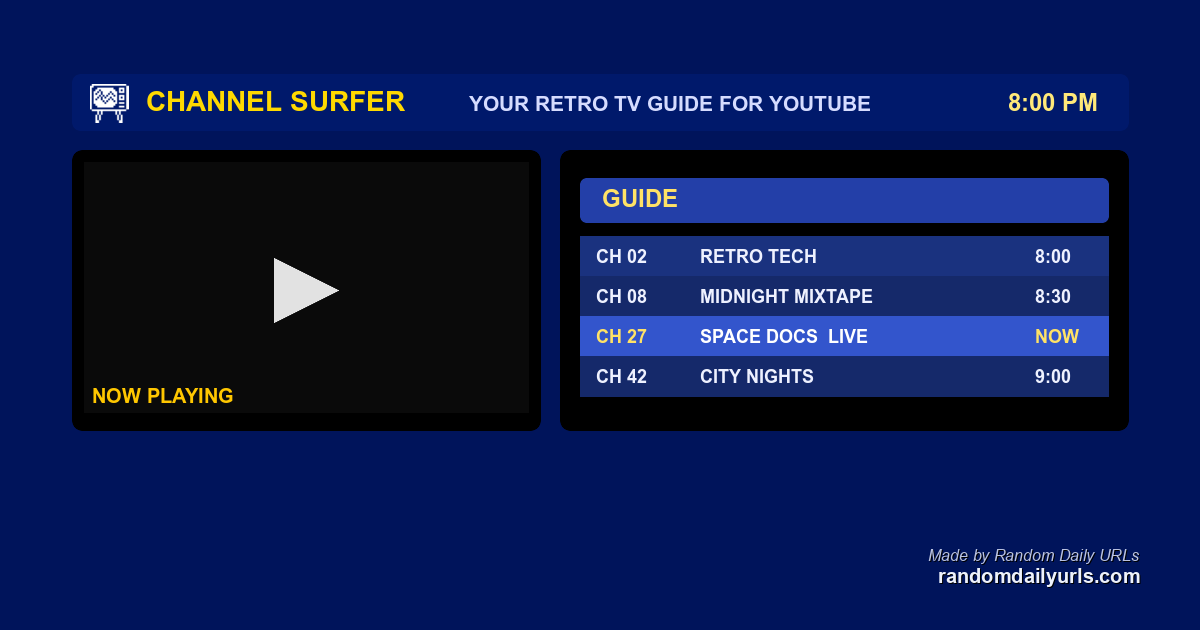
So I made this to recreate Cable TV for YouTube. I made it so it runs in the browser. Quickly import your subscriptions in the browser via a bookmarklet. No accounts, no sign-ins. Just quickly import your data locally.
Comments (179) 82 threads
Show all comments
Showing thread 17 of 82
What ytch does better is that it is mostly keyboard navigable (with minor annoyances), which also makes it usable with a remote control, unlike this.
I actually do use ytch (alongside Kodi and YT Leanback mode) on my Raspberry Pi HTPC that is controlled by remote only. Works fine. Chromium, kiosk mode, entry in ~/.local/share/applications/ytch.desktop, and you're good to go.
I guess you could use this with a remote if your remote can emulate mouse, mine doesn't. Mine is just some old otherwise useless remote recycled from the junk drawer, and made useful again by a cheap IR receiver diode from Amazon.
I'm not too crazy about the UI of Channel Surfer in general, but others have noted that it reminds them of cable services they used, I guess that was the goal.
I'll check out Channel Surfer in a few months. I wish you luck and lots of users :)