I get flak for this, but Audacity is my "proof" that GIMP's name is why people don't use it, not the UI. Like GIMP, Audacity's UI is awful, but people still use it. :)
people use gimp too. and i bet there are more gimp users than audacity.
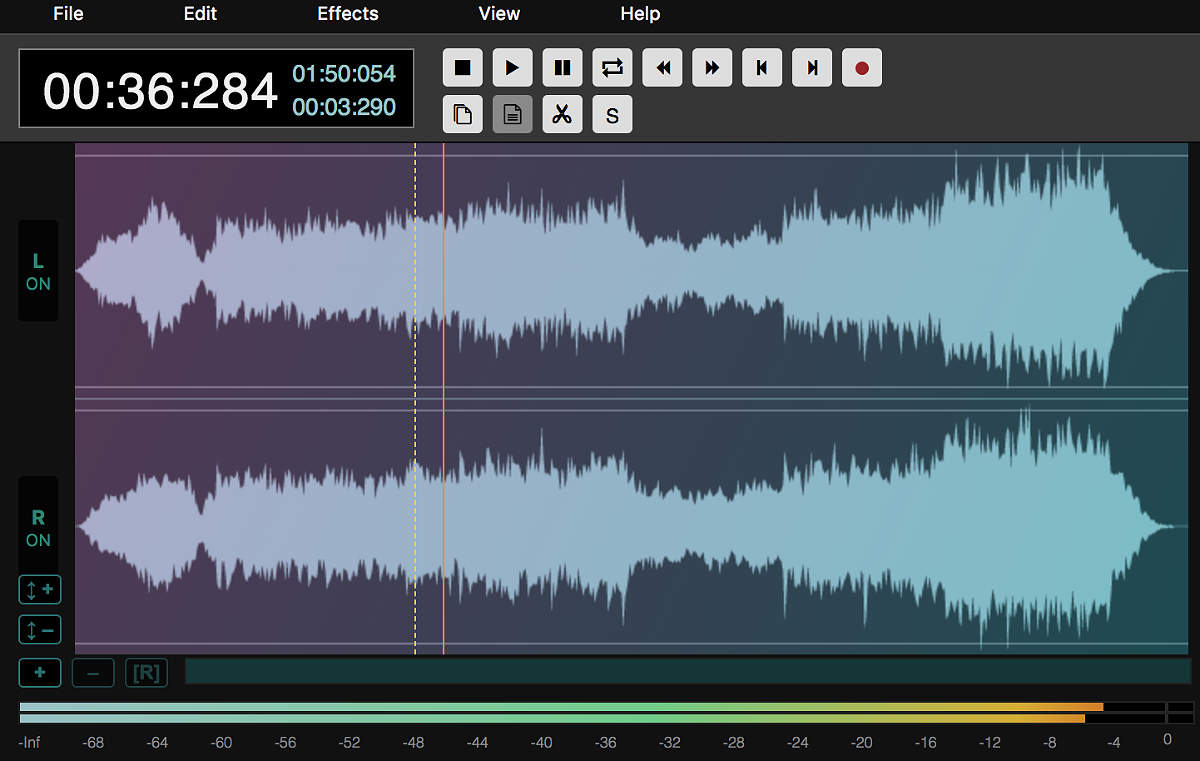
as for the UI, i don't get it. what's so bad about it? and how is this one better? i looked at both and ardour too. so far audacity is the only one that has a feature to detect silence and label it. it's pretty easy to use too. i use this to detect chapters and create a chapter index for audio books. last one i did this week took only a few minutes, and most of the time was typing the chapter titles into audacity. i could not figure out how to do this in ardour or audiomass
I spend a lot of time doing this too -- cutting up band rehearsal tapes into songs and exporting all. As weird as Audacity's UI is, I haven't found anything better than it at this.
Comments (120) 52 threads
Show all comments
Showing thread 6 of 52
(I'm a bit behind on web technologies nowadays)
I also cannot understand why anyone would recommend Audacity.
I get flak for this, but Audacity is my "proof" that GIMP's name is why people don't use it, not the UI.
Like GIMP, Audacity's UI is awful, but people still use it. :)
as for the UI, i don't get it. what's so bad about it? and how is this one better? i looked at both and ardour too. so far audacity is the only one that has a feature to detect silence and label it. it's pretty easy to use too. i use this to detect chapters and create a chapter index for audio books. last one i did this week took only a few minutes, and most of the time was typing the chapter titles into audacity. i could not figure out how to do this in ardour or audiomass
Continue this thread — 2 replies
Far more intuitive, I think. Keyboard shortcuts and cutting and pasting similar to what you'd get in e.g. Word.