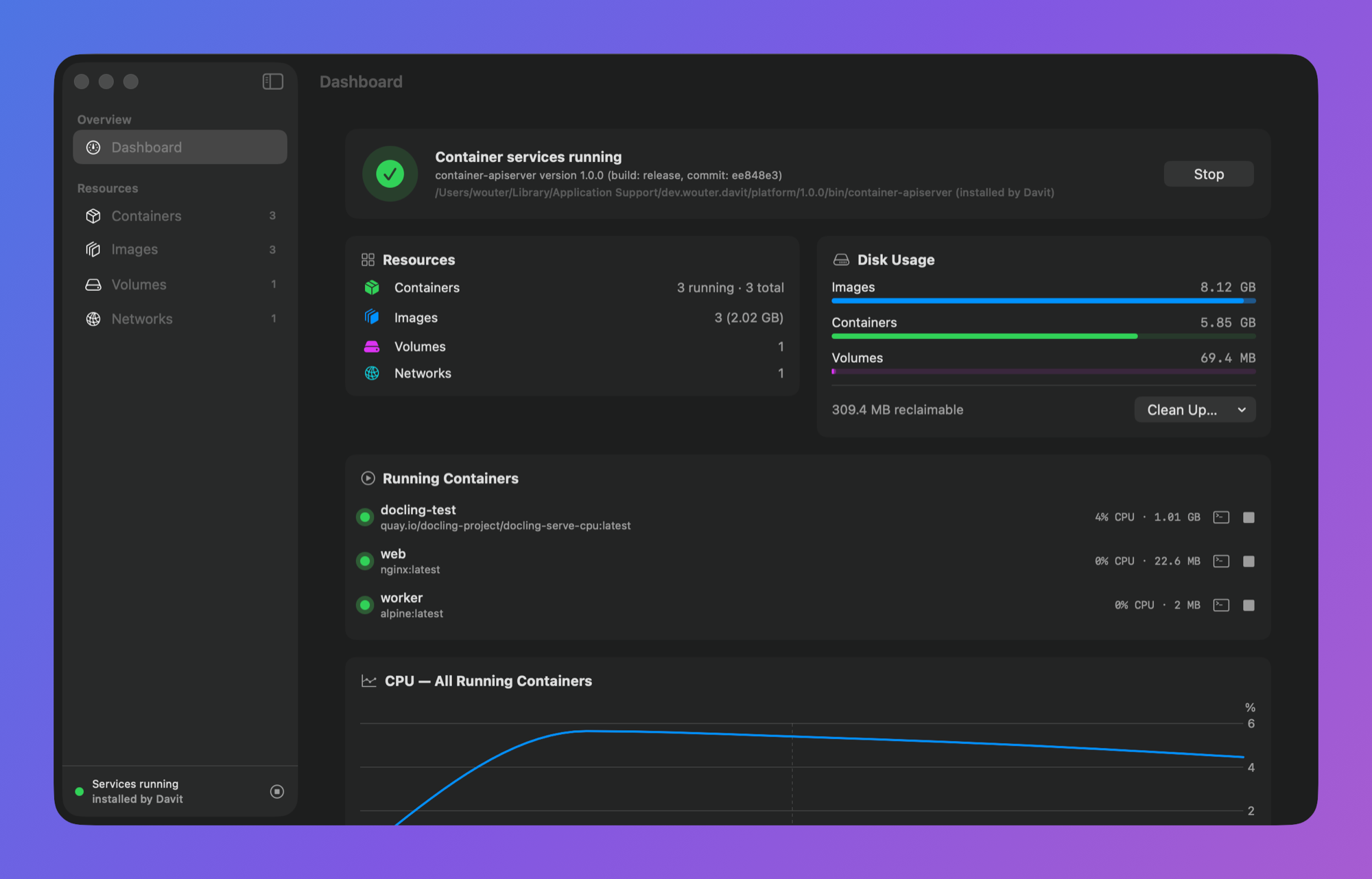
Back to front pageView on Hacker News (opens in a new tab)Show HN: Davit, a Apple Containers UI (opens in a new tab)davit.app389 pointsby xinit (on Hacker News)4 months agoMostly vibe-coded Apple Containers front-end that I'd like to use myself. But if others want to use it, here's the source code.davit.app (opens in a new tab)Davit - a native macOS UI for Apple containersFree, open-source, fully native. Run Linux containers on Apple silicon with Apple's container platform; no Docker Desktop required.Comments (101) 34 threadsShow all commentsShowing thread 17 of 34[-]keremimo4 months ago1 reply#Looks good, Apple Containers is neat except it is just another set of commands we gotta memorize.I like it! I would like it even more if we could choose which terminal app the containers open in. Is that doable?xinit4 months ago#Doable and done; added in 0.1.9. Settings -> General lets you pick Terminal/iTerm2/Ghostty/WezTerm/kitty/Alacritty/Warp (whatever's installed).
Show HN: Davit, a Apple Containers UI (opens in a new tab)davit.app389 pointsby xinit (on Hacker News)4 months ago
keremimo4 months ago1 reply#Looks good, Apple Containers is neat except it is just another set of commands we gotta memorize.I like it! I would like it even more if we could choose which terminal app the containers open in. Is that doable?
xinit4 months ago#Doable and done; added in 0.1.9. Settings -> General lets you pick Terminal/iTerm2/Ghostty/WezTerm/kitty/Alacritty/Warp (whatever's installed).
Comments (101) 34 threads
Show all comments
Showing thread 17 of 34
I like it! I would like it even more if we could choose which terminal app the containers open in. Is that doable?