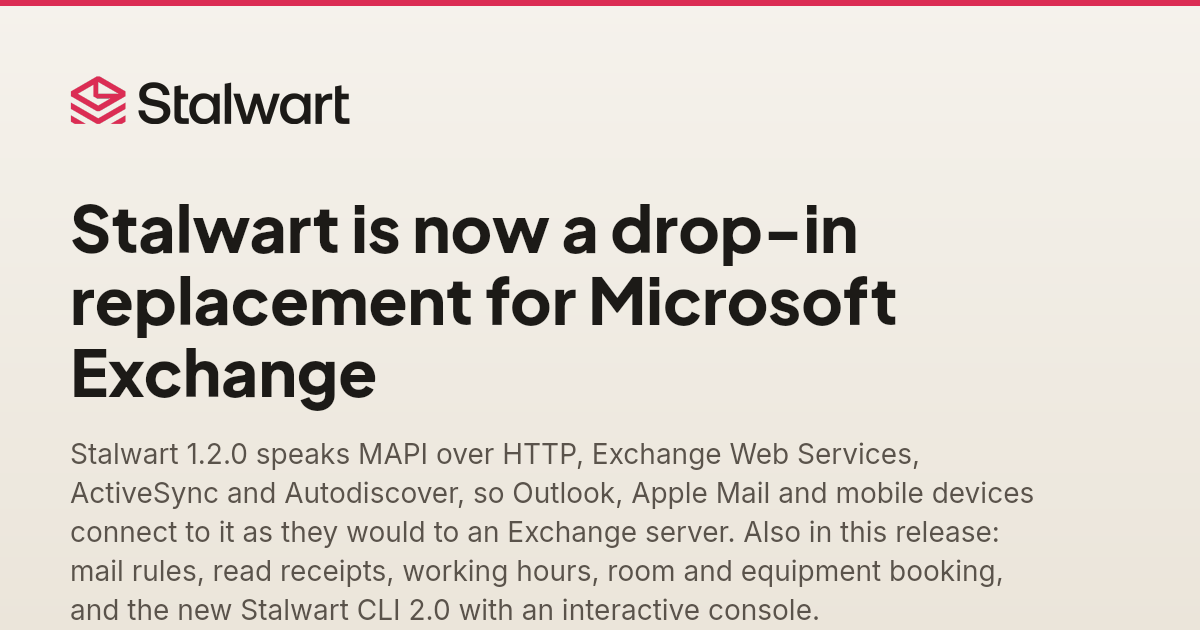
Its a cute idea but "drop-in replacement" is kind of overselling it if we are being totally honest here.
I certainly have no interest in supporting Microsoft, but ... First you have the Outlook integration with Exchange. Yes, in theory you can use IMAP with Outlook, but Microsoft are changing that with the new version of Outlook which also forces you to sync a copy of your IMAP mails to Microsoft. Then you have the whole Office 365 bundle thing. For one per-user price a month, you get Teams (internal + external voice calls and meetings) Email + Calendar (Outlook + Exchange), Office (Word + Excel), File Storage, Endpoint Management (Intune). Then the reality that if you have 200, 2000, 20,000 staff who've spent their careers on Microsoft, you are not going to be wasting time with a "drop-in" replacement that isn't. Its a lot of support load for already stretched IT teams. So really, yes, technically Stalwart might be a drop-in replacement. But in day-to-day practice, not so much....
While you have a point with your arguments regarding the Microsoft ecosystem - they only claim to be a replacement for Exchange. Also: the very first paragraph says that they’re now supporting native protocols, not just IMAP.
> they only claim to be a replacement for Exchange
Yes, but the point is "replacing Exchange" hasn't been a thing ever since the whole cloud thing started and Office 365 entered the chat. Maybe in the old days of on-prem Exchange yes, a "drop-in" would be genuinely interesting. But in today's cloud world ...not so much.
> Brother did you read the post? It says it supports MAPI and ActiveSync now.
And "brother" did you bother to read my post ? As I spelled out in black and white, its about much much more than just Outlook+Exchange. The fact it might support MAPI+ActiveSync is irrelevant. As I said, nobody is going to be "drop-in" replacing Exchange when they still need the rest of the Office 365 bundle for their day-to-day operations. As I clearly said, I am no Microsoft apologist, but the reality is that Office 365 is (sadly) genuinely good value for money for many companies if you look at the bigger picture. Budgets are stretched and IT teams need to do more with less (and companies are downsizing IT teams). The reality is that there is no clean and clear "drop-in" replacement for Office 365. Any replacement is a bunch of different independently managed components which, as I said, puts extra load on the IT team to both manage and train/support the end-users. Trust me, I wish there was an alternative, but for many environments with a non-technical user=base with employees who've spent their lives on Microsoft, sometimes its just easier to give the people what they know and let them get on with their day jobs instead of learning 100 new pieces of software. Bob in accounts just wants his Teams, Excel and Outlook .... its really not worth anyone's time retraining him.
The site makes is a little hard to tell, but I don't actually think it's a drop-in replacement, because that term has a very specific meaning, at it does to me.
For something to be a drop-in replacement, it would have to be able to use the Exchange storage directly. Configure Stalwart, point it to your ActiveDirectory to get the account information and do authentication and then point it to the Exchange storage backend. Now you shutdown the Exchange server, start Stalwart and the clients notices nothing. Rollback is shutting down Stalwart and restart Exchange. I'd don't get the impression that this is how Stalwart works. It can import the mailboxes from Exchange, but now you're no longer a drop-in replacement. From the documentation I'm not even sure that it integrates into ActiveDirectory. It's more what I'd call a seamless migration plan.
Comments (348) 60 threads
Show all comments
Showing thread 10 of 60
I certainly have no interest in supporting Microsoft, but ...
First you have the Outlook integration with Exchange. Yes, in theory you can use IMAP with Outlook, but Microsoft are changing that with the new version of Outlook which also forces you to sync a copy of your IMAP mails to Microsoft.
Then you have the whole Office 365 bundle thing. For one per-user price a month, you get Teams (internal + external voice calls and meetings) Email + Calendar (Outlook + Exchange), Office (Word + Excel), File Storage, Endpoint Management (Intune).
Then the reality that if you have 200, 2000, 20,000 staff who've spent their careers on Microsoft, you are not going to be wasting time with a "drop-in" replacement that isn't. Its a lot of support load for already stretched IT teams.
So really, yes, technically Stalwart might be a drop-in replacement. But in day-to-day practice, not so much....
Yes, but the point is "replacing Exchange" hasn't been a thing ever since the whole cloud thing started and Office 365 entered the chat.
Maybe in the old days of on-prem Exchange yes, a "drop-in" would be genuinely interesting. But in today's cloud world ...not so much.
And "brother" did you bother to read my post ?
As I spelled out in black and white, its about much much more than just Outlook+Exchange. The fact it might support MAPI+ActiveSync is irrelevant.
As I said, nobody is going to be "drop-in" replacing Exchange when they still need the rest of the Office 365 bundle for their day-to-day operations.
As I clearly said, I am no Microsoft apologist, but the reality is that Office 365 is (sadly) genuinely good value for money for many companies if you look at the bigger picture. Budgets are stretched and IT teams need to do more with less (and companies are downsizing IT teams).
The reality is that there is no clean and clear "drop-in" replacement for Office 365. Any replacement is a bunch of different independently managed components which, as I said, puts extra load on the IT team to both manage and train/support the end-users.
Trust me, I wish there was an alternative, but for many environments with a non-technical user=base with employees who've spent their lives on Microsoft, sometimes its just easier to give the people what they know and let them get on with their day jobs instead of learning 100 new pieces of software.
Bob in accounts just wants his Teams, Excel and Outlook .... its really not worth anyone's time retraining him.
Well, there is your problem.
For something to be a drop-in replacement, it would have to be able to use the Exchange storage directly. Configure Stalwart, point it to your ActiveDirectory to get the account information and do authentication and then point it to the Exchange storage backend. Now you shutdown the Exchange server, start Stalwart and the clients notices nothing. Rollback is shutting down Stalwart and restart Exchange.
I'd don't get the impression that this is how Stalwart works. It can import the mailboxes from Exchange, but now you're no longer a drop-in replacement. From the documentation I'm not even sure that it integrates into ActiveDirectory.
It's more what I'd call a seamless migration plan.