Show HN: Heynote – A dedicated scratchpad for developers (opens in a new tab)heynote.com
1063 pointsHey!
I made Heynote entirely for my own use case. For many years, I always had an Emacs instance running with the scratch buffer open, even long after I had abandoned Emacs as my programming editor in favor of more recent IDE:s.
The simplicity of having just one big scratch buffer appeals to me, but I still want to separate the different things I jot down somehow (without using tabs or similar). Previously, my solution was to insert a bunch of blank lines between the notes, but hitting C-A would still select the entire buffer. That's why I came up with the concept of "blocks", which turned out really well for my use cases.
I decided to release Heynote, thinking it might be useful to others.
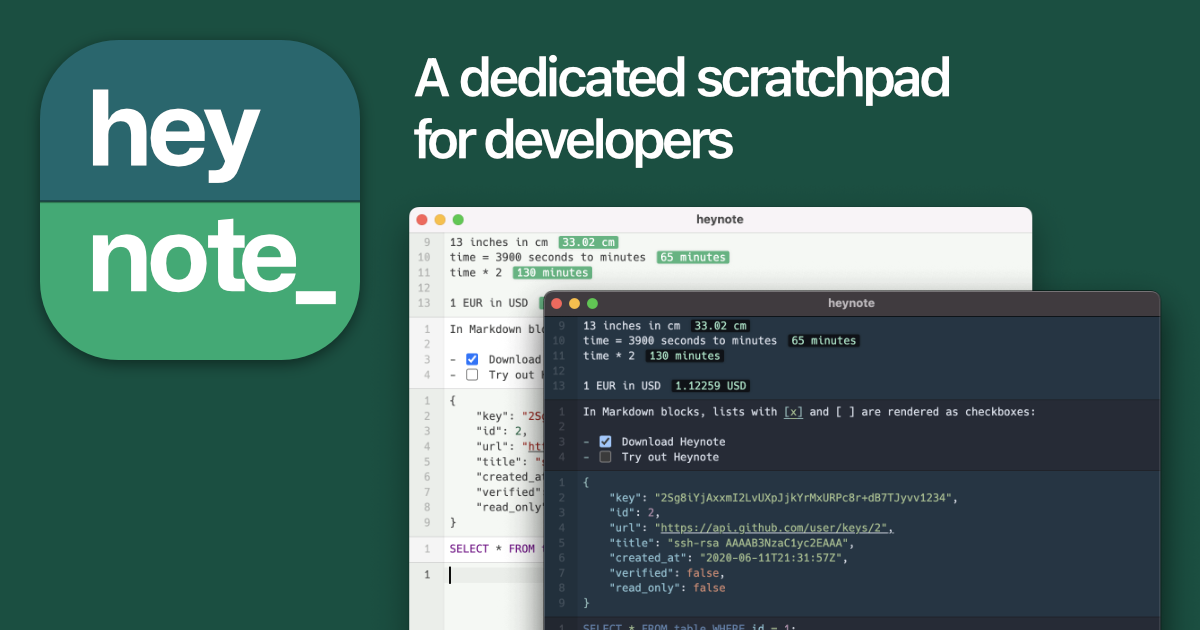
Comments (303) 149 threads
Show all comments
Showing thread 12 of 149
I know this is expanding the scope and complexity and probably opposite to what you're trying to do, but one thing that would be cool is to have different tabs. In my current workflow, I have a notepad for "working memory" which Heynote will easily replace. I also have a separate one to track the things I worked on each day. I need to have a record of who I charged for what incase I get audited. I could totally see having a block for each day - and I wouldn't want that intermingled with the other data.
Oh I would love it if you could render markdown as formatted html a la Typora
Maybe a block 'tagging' mechanism? Let me 'stash' a block and label it with tags... then later on I can 'restore' stashed blocks by searching for tags. Or open a new window easily containing every block that shares a particular tag?
I haven't used heynote yet (in a train rn), so you may've that already in place, but:
I suggest implementing bookmarks with fuzzy search. Press ctrl+b a prompt comes up, type the thing, press enter and get your file scrolled to that section (markdown title)
Seems to me that this would be a pretty good general document format for a lot of use cases.
Then each tab would be an opportunity to apply a new set of filter on top of the same document.