This makes me miss the Chumby, which had such untapped potential and was given up on so quickly. I have many uses for a smart, controllable and low-code screen in my house, and barely the time to figure it out myself. Very glad this project came across my page today!
Your comment made me worried that I am doing something wrong. Maybe I can clarify something? There are two privacy policies, one applies to users of the website only, while the other one applies to users of the product. Which is the one that you are referring to?
> I have many uses for a smart, controllable and low-code screen in my house, and barely the time to figure it out myself.
I also don’t have time to figure it out, so I’m probably just going to buy a used iPad and put it on the wall. I’ll get a nice bright screen and anything I want to see just needs to be viewable in a web browser.
I used to have an iPad (3rd gen) on the wall, then it died. I bought the cheapest new one to replace it, but the old Android tablet I had around had better bluetooth reach, so it went on the wall instead.
Old android tablets are notoriously unpatched against all kinds of things. It's easy to be paranoid that some passing foot traffic will infect it with a bluetooth worm, and you'll be none the wiser. I'm accepting the risk for now, as I do enjoy configuring Home Assistant on it, and looking at the rainmap, but there are times when when a full tablet is overkill. FrameOS is for those cases.
Comments (112) 26 threads
Show all comments
Showing thread 3 of 26
https://shop.invisible-computers.com
Your comment made me worried that I am doing something wrong. Maybe I can clarify something?
There are two privacy policies, one applies to users of the website only, while the other one applies to users of the product. Which is the one that you are referring to?
Continue this thread — 6 replies
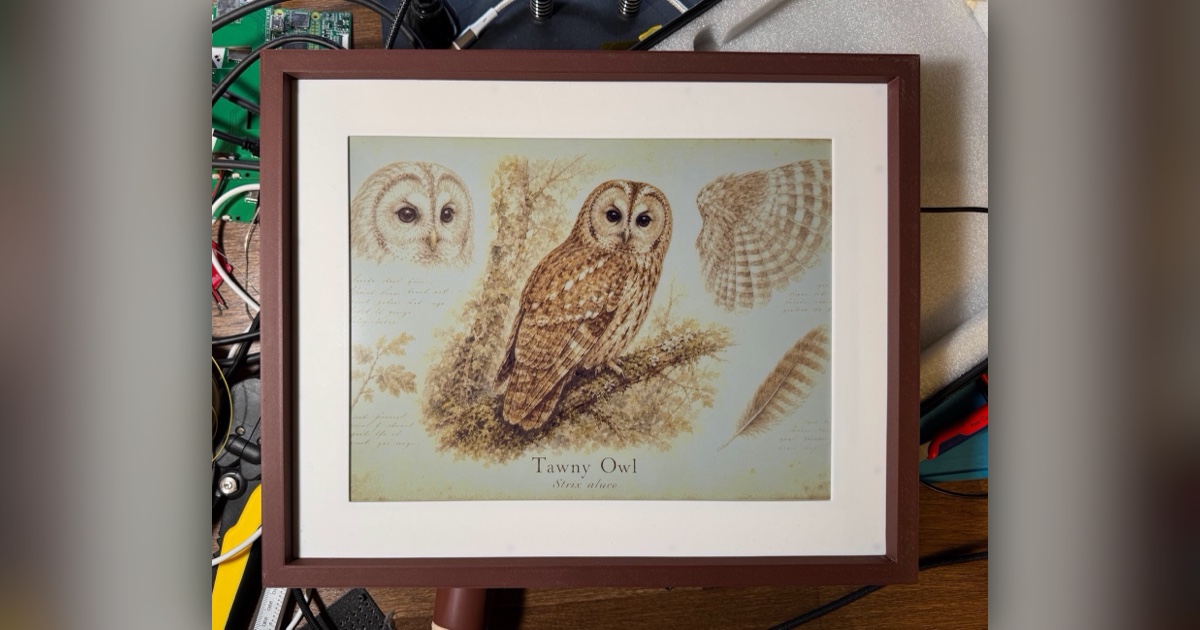
The display is 7.5 inches.
I’ll update the description to make this more prominent.
Continue this thread — 1 reply
I also don’t have time to figure it out, so I’m probably just going to buy a used iPad and put it on the wall. I’ll get a nice bright screen and anything I want to see just needs to be viewable in a web browser.
Old android tablets are notoriously unpatched against all kinds of things. It's easy to be paranoid that some passing foot traffic will infect it with a bluetooth worm, and you'll be none the wiser.
I'm accepting the risk for now, as I do enjoy configuring Home Assistant on it, and looking at the rainmap, but there are times when when a full tablet is overkill. FrameOS is for those cases.