Show HN: Bayleaf – Building a low-profile wireless split keyboard (opens in a new tab)graz.io
735 pointsHey HN,
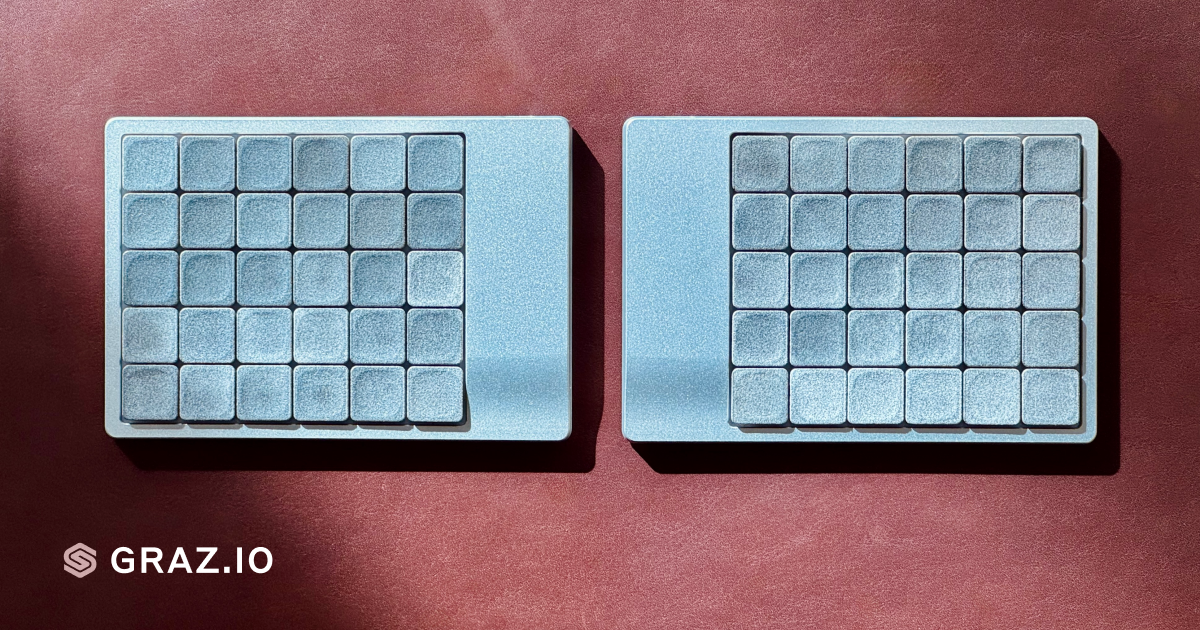
I built a wireless, split, ultra-low profile keyboard from scratch called Bayleaf. As a beginner I learned all things electronics, PCB-building, designing for manufacturing, and many other hardware-related skills to put this together.
This case study dives into the build process and of course the final result, hope you enjoy!
Comments (247) 85 threads
Show all comments
Showing thread 9 of 85
Questions: - Do you have nkey rollover? - Would you accept "optional" wires? Note: gaming requires fast response times. Hell even programming/writing sucks when there's key lag.
ZMK supports N-key rollover and layers.
With 60% keyboards, you are often using modifier layers baked into the keyboards' firmware to get back your function keys and your control block like page up
In the nav layer. One popular layout of split keyboards is two 3x5 grids of keys with 3 thumb buttons. With this configuration, it is common to map modifier keys to the home row keys, activated when they are held down. Likewise, for numbers, symbols, navigation, a thumb key is held down to activate that layer. Your fingers never have to stretch more than one key-length away.
Miryoku is a popular implmentation of this. It looks crazy, but you can get used to it really quickly, or alter it to your own taste.
https://github.com/manna-harbour/miryoku
If that's not appealing to you, there's probably no reason to get into it. If it is appealing to you to live mostly on your homerow, then the learning curve is not all that great, maybe a couple of months.