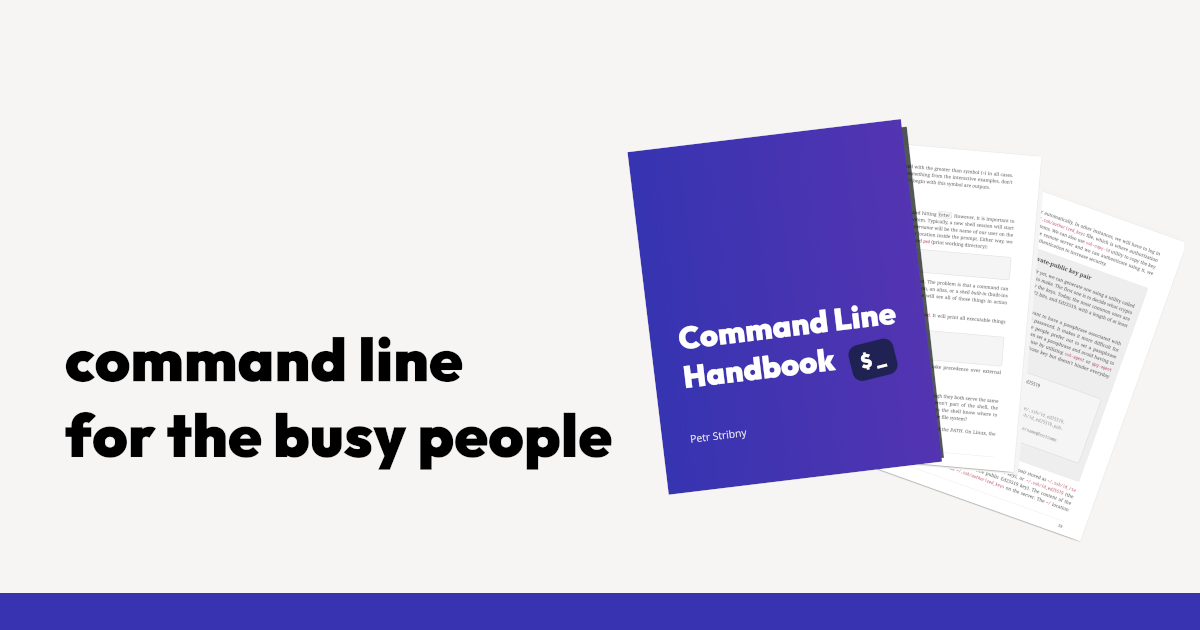
Show HN: I wrote a modern Command Line Handbook (opens in a new tab)commandline.stribny.name
454 pointsA few years back I wrote an ebook about the Linux command line. Instead of focusing on a specific shell, paraphrasing manual pages, or providing long repetitive explanations, the idea was to create a modern guide that would help readers to understand the command line in the practical sense, cover the most common things people use the command line for, and do so without wasting the readers' time.
The book contains material on terminals, shells (compatible with both Bash and Zsh), configuration, command line programs for typical use cases, shell scripting, and many tips and tricks to make working on the command line more convenient. I still consider it "an introduction" and it is not necessarily a book for the HN crowd that lives in the terminal, but I believe that the book will easily cover 80 % of the things most people want or need to do in the terminal.
I made a couple of updates to the book over the years and just finished a significant one for 2025. The book is not perfect. I still see a lot of room for improvement, but I think it is good enough and I truly want to share it with everyone. Hence, pay what you want.
EXAMPLE PAGES: https://drive.google.com/file/d/1PkUcLv83Ib6nKYF88n3OBqeeVff...
https://commandline.stribny.name/
Comments (109) 30 threads
Humble suggestion: Give more specific examples of what the reader will learn on the landing page. From the landing page, I don't know if this is for total command line beginners or has helpful tips for people familiar with bash already. I had to hunt around to find sample pages, and they provided much better sense of what's in the book.
Also, spotted some small issues in the copy:
"Fresh out of press" - The more common expression is "hot off the press." "Out of press" sounds similar to "out of print" (i.e., no longer sold)
"Grok the Linux command line on only 120 pages" - should be "in only 120 pages"
And thanks for the copy suggestions. I am not a native speaker :)
One thing that was distracting was the large title font when I tried to view this site in portrait mode on mobile, as some of the letters are cut off. If that could be fixed, it would help ensure people stay engaged and read it.
You could also potentially use an LLM or something like Grammarly to help proofread it (not edit it).
This is very cool!
Yes, as other people pointed out too, the landing page could do with some mobile and copy improvements.
Continue this thread — 2 replies
As for a sample, I will go and try to make something now. Thanks.
Edit: Example pages here: https://drive.google.com/file/d/1PkUcLv83Ib6nKYF88n3OBqeeVff...
Otherwise, looks good! Use of "env" and proper quoting are strong signals!
> if [[ "${1-}" =~ ^-*h(elp)?$ ]]; then
> ... is an option that starts with one or multiple - characters ...
"one or multiple" is + not *. The regex above will also match "h" and "help" without - character(s).
I'd love to read a table of contents. I don't want to rip you off with zero dollars!
Anyway, sounds like a great book. Congratulations on completing and "shipping"!
Ah okay, I really wasn't aware. Thanks for reporting.
Continue this thread — 1 reply
1. <https://www.gnu.org/software/bash/manual/bash.html>
From reading the sample of OP's book, it seems far more practical and accessible than the bash manual, so I'm not surprised that a lot of people would read OP's book that have no interest in reading the bash manual cover to cover.
I’ll go to the manual if I’m trying to understand how a particular thing works, or how to do a particular thing, but it’s not as useful to me for feature discovery.
> The diff utility can compare files and print their differences. If we pass it the result of ls commands, we can compare the contents of directories.
to compare two directories file by file.No, if you pass the output of ls commands, you might get an error because you'll pass a bunch of files to diff.
And last but not least there's
I actually thought it was awesome to see that. I use this a lot to diff the output of commands and many people don't know about it.
I need to train some people (who will never use the command line and will go back to excel and VSCode, but I am not the genius who decides what people have to be competent in…) and this book is great, but I don’t think they are motivated enough to learn without some projects or problems and I struggle to invent nonsense projects.
All comments shown.
Couldn't load more comments. Check your connection and try again.