Show HN: I wrote a modern Command Line Handbook (opens in a new tab)commandline.stribny.name
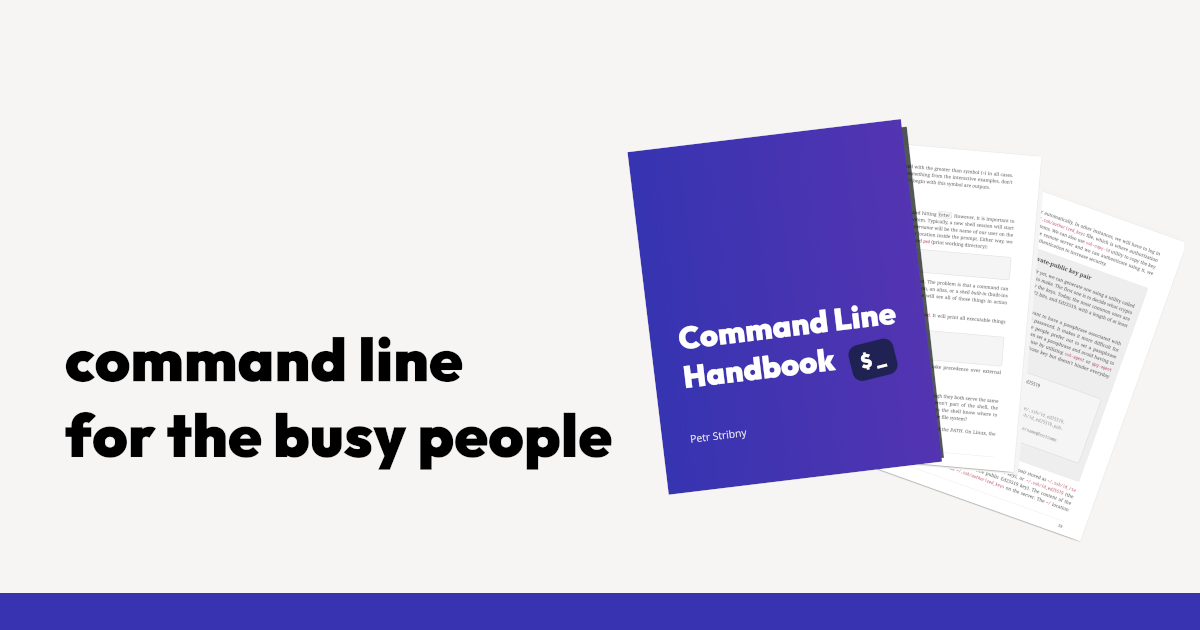
454 pointsA few years back I wrote an ebook about the Linux command line. Instead of focusing on a specific shell, paraphrasing manual pages, or providing long repetitive explanations, the idea was to create a modern guide that would help readers to understand the command line in the practical sense, cover the most common things people use the command line for, and do so without wasting the readers' time.
The book contains material on terminals, shells (compatible with both Bash and Zsh), configuration, command line programs for typical use cases, shell scripting, and many tips and tricks to make working on the command line more convenient. I still consider it "an introduction" and it is not necessarily a book for the HN crowd that lives in the terminal, but I believe that the book will easily cover 80 % of the things most people want or need to do in the terminal.
I made a couple of updates to the book over the years and just finished a significant one for 2025. The book is not perfect. I still see a lot of room for improvement, but I think it is good enough and I truly want to share it with everyone. Hence, pay what you want.
EXAMPLE PAGES: https://drive.google.com/file/d/1PkUcLv83Ib6nKYF88n3OBqeeVff...
https://commandline.stribny.name/
Comments (109) 30 threads
Show all comments
Showing thread 3 of 30
1. <https://www.gnu.org/software/bash/manual/bash.html>
From reading the sample of OP's book, it seems far more practical and accessible than the bash manual, so I'm not surprised that a lot of people would read OP's book that have no interest in reading the bash manual cover to cover.
I’ll go to the manual if I’m trying to understand how a particular thing works, or how to do a particular thing, but it’s not as useful to me for feature discovery.
> The diff utility can compare files and print their differences. If we pass it the result of ls commands, we can compare the contents of directories.
to compare two directories file by file.No, if you pass the output of ls commands, you might get an error because you'll pass a bunch of files to diff.
And last but not least there's
I actually thought it was awesome to see that. I use this a lot to diff the output of commands and many people don't know about it.